
Is your Xfinity modem blinking green and leaving you confused? You’re not alone.
That blinking light can be frustrating, especially when you need a fast and steady internet connection. But don’t worry—this blinking green light isn’t always a sign of a big problem. In fact, understanding what it means can help you fix the issue quickly and get back online.
Keep reading to discover why your Xfinity modem is blinking green and how you can solve it fast.
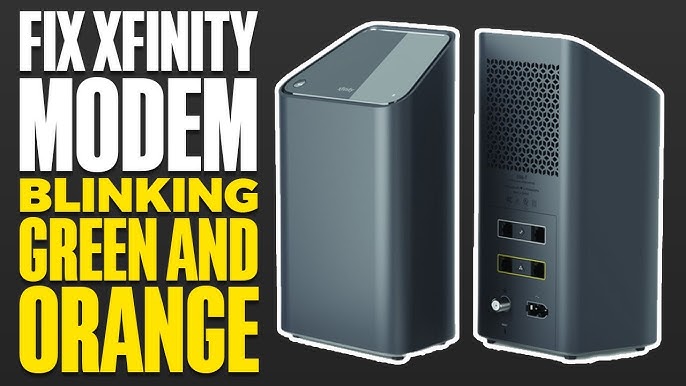
Reasons For Blinking Green Light
The blinking green light on your Xfinity modem can signal different things. It shows the modem is active but not fully ready. Understanding why it blinks green helps you know what to do next.
Some causes are simple and fix quickly. Others might need more time or help from support. Here are common reasons why your modem’s green light blinks.
Firmware Updates In Progress
The modem often blinks green during firmware updates. These updates improve security and performance. The light blinks while the modem installs new software. Wait for the process to finish. Avoid turning off the modem during updates.
Connectivity Issues
Blinking green can mean the modem struggles to connect. Check cables and connections for looseness or damage. Resetting the modem can help restore connection. Poor signal or interference may cause this problem.
Modem Overheating
Overheating makes the modem blink green to warn you. Ensure it has good airflow and is not in a tight space. Dust or blocked vents increase heat. Turn off the modem if it feels hot and let it cool down.
Service Outages
Sometimes the blinking green means a service outage in your area. The modem tries to connect but cannot reach the network. Contact your service provider or check their outage map. Patience is key until the service returns.
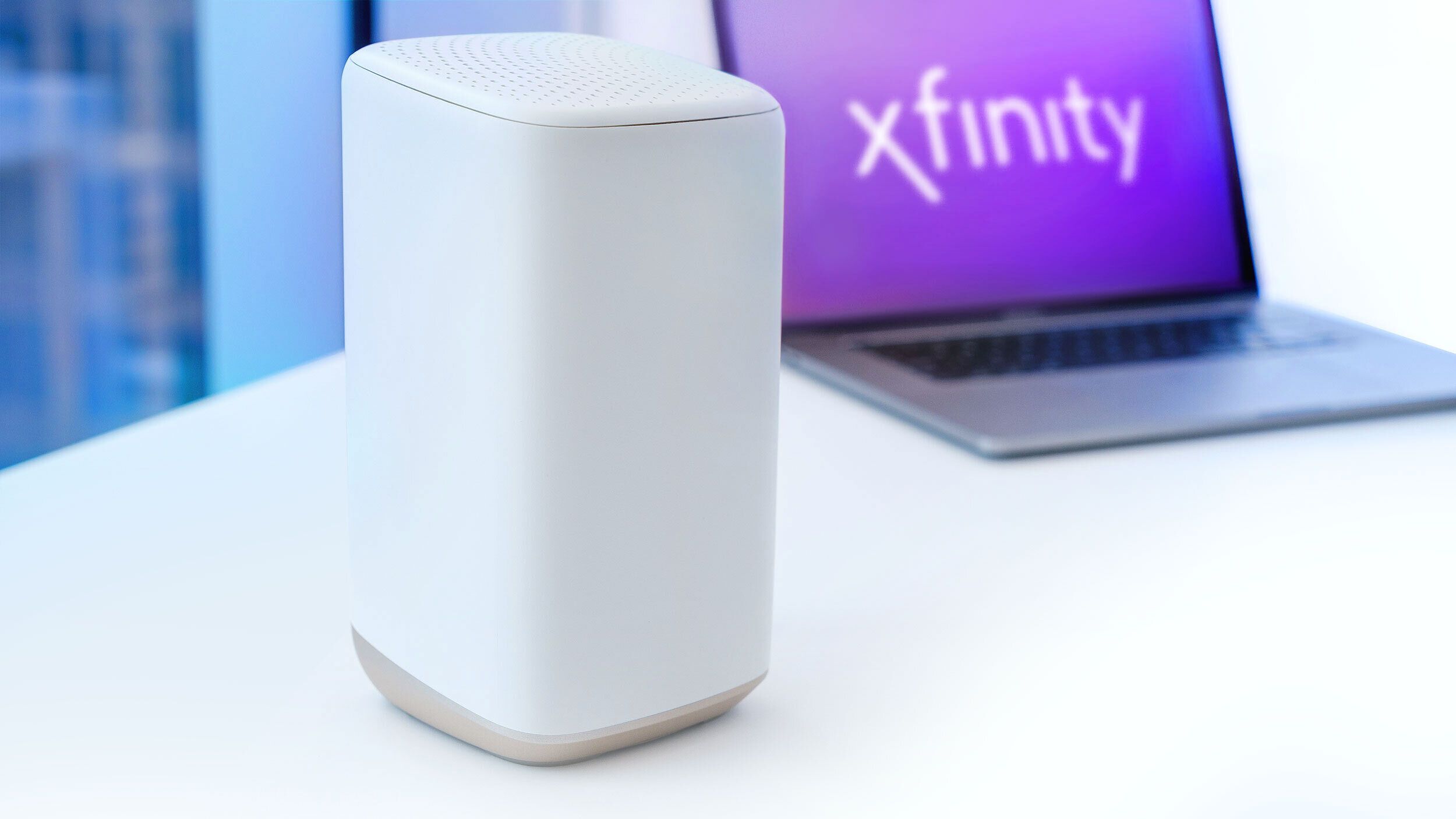
Basic Troubleshooting Steps
Seeing your Xfinity modem blinking green can be frustrating. This light often means the modem is trying to connect. Basic troubleshooting can fix this issue quickly. Follow these simple steps to get your internet back.
Power Cycle The Modem
Turn off your modem by unplugging the power cord. Wait for about 30 seconds to one minute. Plug it back in and power it on. This step refreshes the modem’s connection to the network. It often solves blinking green light problems.
Check Cable Connections
Look at all the cables connected to your modem. Make sure the coaxial cable is tight and secure. Check the power cable and Ethernet cable too. Loose or damaged cables can cause connection issues. Fix any loose connections you find.
Reset The Modem
Find the reset button on the back of the modem. Use a small pin or paperclip to press and hold it for 10 seconds. Release the button and wait for the modem to restart. Resetting returns the modem to factory settings, clearing errors.
Verify Service Status
Check if there is an outage in your area. Visit Xfinity’s service status website or call customer support. Sometimes blinking green means the service is down. Waiting for the service to restore can solve the problem.
Advanced Fixes
Advanced fixes can help solve the Xfinity modem blinking green issue. These steps go beyond the basics. They require some technical effort but can restore your internet faster. Follow these methods carefully to avoid further problems.
Update Modem Firmware Manually
Firmware controls how your modem works. Outdated firmware can cause the green blinking light. Access your modem’s settings through its IP address. Look for firmware update options. Download and install the latest version. This process can improve modem performance and fix bugs.
Adjust Router Settings
Incorrect router settings may lead to connection issues. Log into your router’s admin panel. Check the channel and frequency settings. Change channels to avoid interference. Ensure DHCP is enabled for automatic IP assignment. Save changes and restart the router. This can stabilize your internet connection.
Replace Faulty Cables
Damaged or old cables cause signal problems. Inspect all coaxial and Ethernet cables carefully. Look for cuts, bends, or loose ends. Replace any cable that looks worn out. Use high-quality cables for better signal strength. Proper cables ensure a steady connection and reduce blinking lights.
Contact Xfinity Support
Sometimes, the issue needs expert help. Contact Xfinity support for advanced troubleshooting. They can check your modem remotely. Request a technician visit if needed. Support can also replace faulty equipment. Getting professional help saves time and avoids mistakes.

Preventive Tips To Avoid Blinking Green
The blinking green light on an Xfinity modem can cause worry. It often means the modem has trouble connecting. Preventive steps can keep this from happening. These tips help keep your internet stable and your modem healthy.
Regular Modem Maintenance
Clean your modem often to avoid dust buildup. Dust can block vents and slow cooling. Check all cable connections to ensure they are tight. Loose cables can cause signal loss and blinking lights. Restart your modem once a week to refresh the connection.
Avoid Overheating
Place your modem in a cool, open area. Avoid enclosed spaces like cabinets or drawers. Overheating can cause blinking green lights and slow internet. Keep other electronics away from your modem to reduce heat. Use a fan if the room gets hot.
Keep Firmware Updated
Firmware updates improve modem performance and fix bugs. Check for updates regularly in your modem’s settings. Updated firmware reduces errors that cause blinking green lights. Contact Xfinity support if you need help updating. Keeping firmware current protects your modem’s health.
Monitor Internet Usage
Heavy internet use can strain your modem. Streaming, gaming, or many devices online at once add stress. Limit the number of devices connected simultaneously. Pause downloads and updates during peak hours. Monitoring usage helps prevent connection problems and blinking green lights.
Frequently Asked Questions
What Does A Blinking Green Light On Xfinity Modem Mean?
A blinking green light shows the modem is starting or trying to connect. It means the modem is not fully connected to the internet yet.
Why Is My Xfinity Modem Blinking Green Constantly?
A constant green blink may indicate a connection problem or firmware update. Check cables and restart the modem to fix common issues.
How Long Should Xfinity Modem Blink Green During Startup?
The green light usually blinks for a few minutes during startup. If it blinks longer than 10 minutes, there might be a connection error.
Can A Blinking Green Modem Affect My Internet Speed?
Yes, a blinking green modem means it is not fully connected. This can cause slow or no internet access until it stabilizes.
How Do I Fix A Blinking Green Light On Xfinity Modem?
Try restarting the modem by unplugging it for 30 seconds. Check all cables and contact Xfinity support if the light keeps blinking.
Conclusion
A blinking green light on your Xfinity modem can signal connection issues. Restart your modem and check all cables first. Make sure your internet service is active and not interrupted. Sometimes, waiting a few minutes helps the modem reconnect. Contact Xfinity support if the problem stays.
Staying calm and following these steps often solves the issue. Your internet will work smoothly again soon. Keep your modem updated for better performance. Simple actions can fix most blinking green light problems quickly.









