
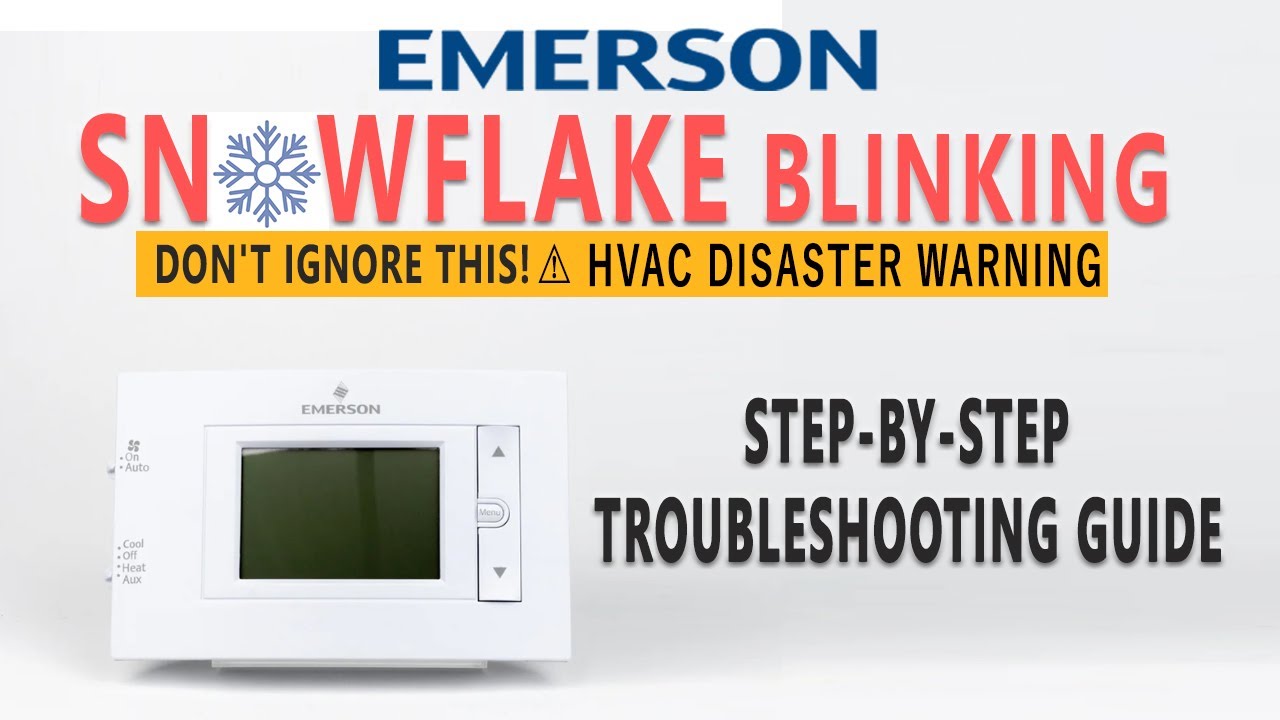
Have you noticed a blinking snowflake icon on your thermostat and wondered what it means? That little symbol might seem harmless, but it’s often your thermostat’s way of telling you something isn’t quite right with your cooling system.
If your air conditioner isn’t turning on or the cool air isn’t as cold as it should be, the blinking snowflake is a signal you can’t ignore. Understanding why this happens and how to fix it can save you time, money, and discomfort—especially when the Texas heat is blazing outside.
Keep reading, and you’ll learn the common causes behind the blinking snowflake and simple steps you can take right now to get your cooling system back on track.

Snowflake Icon Meaning
The snowflake icon on your thermostat signals important information about your HVAC system. This small symbol helps you understand what mode your system is running or if it needs attention. Recognizing the meaning of the snowflake icon can improve your comfort and save energy.
Cooling Mode Symbol
The snowflake icon often shows that the cooling mode is active. This means the air conditioner is working to lower your home’s temperature. The system removes heat from inside and releases it outside. When the icon blinks, it can indicate the system is trying to start or is in a temporary pause.
Heat Pump Defrost Indicator
For homes with heat pumps, the snowflake icon may signal defrost mode. This mode prevents ice build-up on the outdoor unit. The system pauses heating and briefly cools to melt the frost. Blinking snowflakes here mean the defrost cycle is in progress. It’s a normal part of keeping your heat pump efficient.
Delay Mode Function
The snowflake icon blinking can also mean the system is in delay mode. This function protects the compressor from damage. After the system turns off, it waits a few minutes before restarting. The delay helps avoid frequent starts and stops. Blinking shows the system is paused and will resume soon.
Common Causes
The blinking snowflake icon on your thermostat signals an issue with your cooling system. Understanding the common causes helps you identify the problem quickly. Most problems are simple and fixable. Knowing these causes saves time and money.
Dirty Air Filters
Dirty air filters block airflow inside your HVAC system. This causes ice buildup on coils. The snowflake icon blinks to warn you. Replace or clean filters every 1-3 months. Clean filters improve air quality and system efficiency.
Low Refrigerant Levels
Refrigerant cools the air in your system. Low levels cause poor cooling and freezing. The thermostat blinks the snowflake to alert you. A certified technician must check and refill refrigerant. Avoid leaks by scheduling regular maintenance.
Sensor Errors
Thermostats rely on sensors to measure temperature correctly. Faulty or misplaced sensors cause wrong readings. The snowflake blinks as a warning sign. Reset or replace sensors to fix this issue. Proper sensor function keeps your system stable.
Power And Battery Issues
Power interruptions or weak batteries cause the thermostat to reset. This triggers the blinking snowflake icon. Check batteries and replace them if low. Ensure stable power supply to avoid frequent resets. Stable power keeps your thermostat running smoothly.
Quick Fixes
The blinking snowflake on your thermostat often signals a minor issue with your cooling system. Quick fixes can resolve many common problems without needing a technician. These steps help restore normal function fast and prevent bigger troubles.
Replace Or Clean Filters
Dirty filters block airflow and cause your system to freeze. Remove the filter and check for dust buildup. Wash or replace it if needed. Clean filters improve air circulation and stop the snowflake from blinking.
Reset Or Reboot Thermostat
Thermostats can glitch and show errors like blinking icons. Turn off your thermostat and unplug it for a minute. Plug it back in and switch it on. This reset can clear minor errors and restore proper operation.
Check And Replace Batteries
Low battery power causes your thermostat to blink warnings. Open the battery compartment and check the charge. Replace old batteries with fresh ones. Strong batteries keep your thermostat running smoothly.
Inspect Refrigerant Levels
Low refrigerant causes the cooling system to freeze and blink snowflake warnings. Call a professional to check levels and recharge if low. Proper refrigerant ensures your AC cools efficiently without errors.
Troubleshooting Steps
The snowflake icon blinking on your thermostat signals an issue with your cooling system. It means the system needs attention before it can cool your home effectively. Follow these troubleshooting steps to find the cause and fix the problem quickly.
Monitor Temperature And Airflow
Check if the room temperature matches your thermostat setting. Ensure air vents are open and not blocked by furniture or curtains. Poor airflow can cause the system to freeze, triggering the blinking snowflake. Clean or replace dirty air filters to improve air movement. Good airflow helps your cooling system work smoothly.
Identify Error Codes
Look at your thermostat display for any error codes. These codes give clues about specific problems. Consult your thermostat manual to understand each code’s meaning. Some thermostats also show blinking patterns that indicate different faults. Knowing the exact error helps you decide the next step.
Test Sensor Functionality
Thermostat sensors measure indoor temperature and control cooling cycles. A faulty sensor can cause false signals and blinking icons. Gently clean the sensor area to remove dust. If the problem continues, test the sensor with a multimeter or replace it. Correct sensor readings keep your system running properly.
Contact Hvac Professional
If basic checks do not solve the issue, call an HVAC expert. Professionals can detect hidden problems like refrigerant leaks or electrical faults. They have tools to repair or replace components safely. Early professional help prevents bigger damage and costly repairs later.
Preventive Maintenance
Preventive maintenance helps keep your thermostat and HVAC system working well. It stops issues like the snowflake blinking on your thermostat. Regular care extends your system’s life and saves money on repairs. Simple steps can avoid common problems and keep your home comfortable year-round.
Regular Filter Replacement
Change your HVAC filters every 1 to 3 months. Dirty filters block airflow and cause the system to freeze. This can trigger the snowflake icon to blink on your thermostat. Clean filters improve air quality and help your system run smoothly. Set reminders to check filters often.
Seasonal System Checks
Schedule system inspections before summer and winter. Technicians check for leaks, refrigerant levels, and frozen coils. They clean parts and test the thermostat functions. Seasonal checks catch small problems early. This prevents the snowflake blinking and keeps cooling or heating steady.
Thermostat Firmware Updates
Keep your thermostat’s software up to date. Manufacturers release updates to fix bugs and improve performance. An outdated firmware can cause errors like blinking icons. Check your thermostat’s app or website for updates. Updated firmware ensures accurate temperature control and reduces errors.
Proper Thermostat Placement
Place your thermostat away from direct sunlight, drafts, and heat sources. Poor placement causes wrong temperature readings. This leads to the snowflake blinking or the system running too much. Install it on an interior wall at eye level. Proper placement helps your thermostat work correctly and saves energy.

Frequently Asked Questions
Why Is My Thermostat In Delay Mode?
Your thermostat enters delay mode to protect the compressor from damage by preventing rapid cycling. This pause ensures system safety and efficiency.
How To Fix Cool On Flashes On Thermostat?
To fix a blinking “Cool On” on your thermostat, check and replace dirty air filters. Ensure the system is not in defrost delay. Verify power and battery levels. If issues persist, inspect refrigerant levels or sensor functionality and consult a professional technician.
Does The Snowflake Mean Ac Or Heat?
The snowflake symbol on a thermostat represents the air conditioning (cooling) mode. It indicates the system cools the air, not heats it.
How Do I Reboot My Thermostat?
To reboot your thermostat, press and hold the reset button or power off the device for 30 seconds. Then, power it back on. This refreshes the system and resolves minor issues quickly.
What Does The Blinking Snowflake On Thermostat Mean?
A blinking snowflake usually means the cooling system is in delay or defrost mode. It can also indicate a system error or sensor problem.
Conclusion
The blinking snowflake on your thermostat signals a system alert. It often means the heat pump is defrosting or there is a cooling delay. Checking and replacing dirty filters can help fix freezing issues. Low batteries or power problems may also cause blinking.
If problems persist, a technician might need to check sensors or refrigerant levels. Understanding this simple symbol helps keep your home comfortable. Stay alert and act quickly for smooth thermostat performance.









