
Is your Pure Enrichment humidifier blinking red and you’re not sure why? That little red light is trying to tell you something important about your device’s status.
When your humidifier blinks red, it usually means there’s a simple issue like low water, a tank that’s not placed correctly, or a need for a quick reset. Don’t worry—this guide will help you understand what that blinking red light means and how to fix it fast.
Keep reading to get your humidifier back to working perfectly, so you can enjoy clean, comfortable air again.
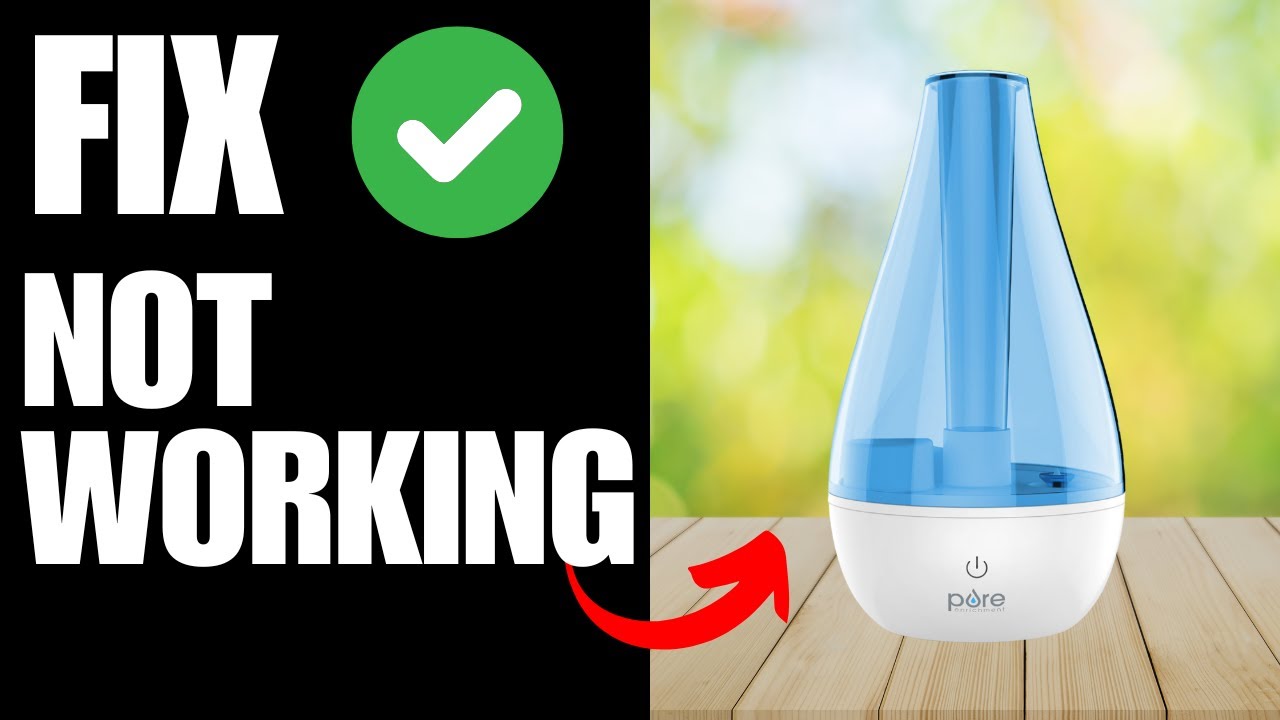
Causes Of Red Light
The red light blinking on your Pure Enrichment humidifier signals a problem. It alerts you to issues that need quick attention. Understanding why the red light blinks helps fix the problem fast. Several causes can trigger this warning light. Each cause affects the humidifier’s ability to work properly. Here are the main reasons for the red light.
Low Water Level
The most common cause is a low water level. The humidifier needs enough water to produce mist. When water runs low, the device cannot work. The red light blinks to warn about the empty tank. Check the water level and refill the tank as needed. Keep the tank filled to avoid interruptions.
Misaligned Water Tank
Another cause is a misaligned water tank. The tank must sit correctly on the base for the humidifier to work. If it is not placed properly, the sensor may fail to detect water. The red light blinks to show this problem. Remove and reposition the tank carefully. Ensure it clicks in place to fix the issue.
Stuck Water Sensor
The water sensor can get stuck or dirty. This sensor tells the humidifier if water is present. Dirt or mineral deposits can block its function. The red light blinks if the sensor gives a false reading. Clean the sensor gently to remove any buildup. This helps the humidifier read water levels correctly.
Mineral Buildup
Mineral buildup inside the humidifier can cause errors. Hard water leaves deposits on parts like sensors and nozzles. This buildup interferes with the humidifier’s operation. The red light blinks to indicate a problem. Regular cleaning with vinegar or a mild solution removes minerals. Proper care keeps the humidifier working well.

Basic Troubleshooting Steps
The Pure Enrichment humidifier blinking red often signals a simple issue. Basic troubleshooting steps can solve most common problems quickly. These steps ensure your humidifier works well and lasts longer.
Start by checking the water level, tank placement, and seal ring. These parts often cause blinking red lights. Follow each step carefully for easy fixes.
Refilling The Water Tank
Turn off and unplug the humidifier. Remove the water tank and check if it is empty. Fill the tank with clean, cool water up to the maximum line. Avoid overfilling to prevent leaks.
Place the tank back gently to avoid spilling. The humidifier should stop blinking red if low water was the issue.
Proper Tank Placement
Make sure the water tank sits correctly on the base. The tank should align with the base’s grooves or slots. A loose or misaligned tank can trigger the red light.
Press down slightly to secure the tank. Check if the humidifier starts working without blinking red.
Checking The Seal Ring
Inspect the seal ring at the tank’s bottom for damage or dirt. A worn or misplaced seal ring causes leaks and errors. Remove the ring and clean it with a damp cloth.
Replace the seal ring properly. If the seal is broken, get a new one from the manufacturer. This step can stop the red blinking light.
Cleaning The Humidifier
Cleaning the Pure Enrichment humidifier is key to stop the blinking red light. Dirt and mineral buildup can block sensors and affect performance. Regular cleaning keeps the device working well and your air fresh. Follow simple steps to clean the humidifier safely and effectively.
Using White Vinegar
White vinegar is excellent for cleaning the humidifier. Unplug the device before cleaning. Remove the water tank and empty it. Fill the tank halfway with white vinegar. Let it sit for 30 minutes to break down dirt and bacteria. Pour out the vinegar and rinse the tank well with clean water. Wipe the outside with a soft cloth dampened with vinegar to remove grime.
Removing Mineral Deposits
Mineral deposits cause cloudy water and sensor errors. Use a soft brush or cloth to scrub the base and tank. For tough deposits, soak parts in white vinegar for 1 hour. Rinse all parts thoroughly after soaking. Avoid harsh chemicals that can damage the humidifier. Dry all parts fully before reassembling the unit.
Maintaining Sensor Functionality
The sensor detects water levels and controls the red light. Clean the sensor gently with a cotton swab dipped in vinegar. Remove any dust or buildup around the sensor area. Check that the sensor is dry before using the humidifier again. Keeping the sensor clean ensures accurate readings and stops the blinking red light.
Resetting The Humidifier
Resetting your Pure Enrichment humidifier can solve the blinking red light issue fast. This process clears errors and restarts the device. Follow these simple methods to reset and get your humidifier working smoothly again.
Power Cycling
Turn off the humidifier using the power button. Wait for 30 seconds. Turn it back on. This step refreshes the internal system and can stop the red blinking light.
Unplug And Replug
Unplug the humidifier from the power outlet. Leave it unplugged for about one minute. Plug it back in and power it on. This disconnect resets the device’s electronics and often fixes minor glitches.
Press and hold the power button for 10 seconds. Release the button and wait a few seconds. Press the button again to turn on the humidifier. This manual reset clears errors and resets settings.
Preventive Maintenance Tips
Proper care keeps your Pure Enrichment humidifier running smoothly. Preventive maintenance stops common issues like the blinking red light. Simple daily habits extend your humidifier’s life and performance. Follow these easy tips to avoid problems and enjoy clean, moist air all year.
Daily Water Replacement
Empty the water tank every day. Stagnant water causes bacteria and mold growth. Refill with fresh water to ensure clean mist. This practice reduces the risk of the red blinking light. It keeps the humidifier safe and efficient.
Regular Cleaning Schedule
Clean your humidifier at least once a week. Use mild soap and warm water for all parts. Remove mineral deposits and buildup carefully. Regular cleaning prevents blockages and sensor errors. This simple routine stops the blinking red alert and keeps air fresh.
Using Distilled Water
Fill the tank with distilled water instead of tap water. Distilled water has fewer minerals that cause buildup. It lowers the chance of white dust and sensor issues. Using distilled water helps maintain your humidifier’s health and prevents blinking red lights.
When To Contact Support
Knowing when to contact support for your Pure Enrichment humidifier saves time and stress. Some issues need expert help to avoid damage or voiding the warranty. This section highlights clear signs you should reach out to customer service.
Persistent Red Light
A blinking red light often means the device needs attention. If the light stays red after refilling the tank and cleaning, it signals a deeper problem. Continued blinking can mean sensor failure or internal errors. Contact support to diagnose and fix the issue safely.
Unresponsive Device
Your humidifier should respond to basic commands. No response to power or button presses shows a malfunction. Restarting or unplugging the device may not work in this case. Support can guide you through troubleshooting or arrange for repair if needed.
Warranty And Repairs
Pure Enrichment offers a warranty covering defects and malfunctions. Contact support before attempting repairs yourself. Unauthorized fixes can void your warranty. Support can confirm coverage and help with repair or replacement options under warranty terms.
Frequently Asked Questions
How Do You Reset A Pure Enrichment Humidifier?
To reset a Pure Enrichment humidifier, turn it off and unplug it. Empty and refill the water tank. Plug it back in and turn it on. This clears errors and stops the red blinking light. Regular cleaning also helps maintain proper function.
Can A Humidifier Help With Migraines?
Humidifiers add moisture to dry air, soothing sinuses and reducing migraine triggers. They help maintain healthy nasal passages and prevent headaches. Avoid excessive humidity to prevent mold and worsen symptoms. Humidifiers support respiratory health but do not control barometric pressure, another migraine factor.
How To Reset Red Light On Homedics?
Unplug the HoMedics device, empty and refill the water tank, then plug it back in. This resets the red light.
Why Is My Pure Guardian Humidifier Not Working?
Check if the humidifier is properly plugged in and the outlet works. Ensure the water tank has enough water. Clean the unit to prevent blockages. Reset by unplugging, refilling water, and plugging it back in. Replace filters if worn out.
Why Is My Pure Enrichment Humidifier Blinking Red?
A blinking red light means the water level is low or the tank is not seated properly. Refill the water tank and ensure it is placed correctly.
Conclusion
A blinking red light on your Pure Enrichment humidifier signals attention is needed. Check water levels and clean the unit regularly. Unplug the device before refilling or maintenance. These simple steps often solve common issues quickly. Keeping your humidifier in good condition ensures better air quality.
Enjoy a comfortable, healthy home environment with proper care. Stay alert to warning signs to avoid bigger problems. Your humidifier works best when you maintain it well.









