
Is your Nest thermostat showing a blinking green light but no display? That flashing green glow might seem like a small problem, but it can quickly turn into a frustrating puzzle.
You rely on your Nest to keep your home comfortable, and when the screen won’t turn on, it leaves you guessing what’s wrong. The good news? That blinking green light is actually a signal, and understanding what it means can save you time and stress.
You’ll discover why your Nest is stuck blinking green, what it’s trying to tell you, and simple steps you can take to fix it—without needing to call a technician right away. Keep reading to get your Nest back on track and your home comfortable again.
Blinking Green Light Meaning
The blinking green light on your Nest thermostat signals specific actions or issues. It often shows the device’s current status. Understanding what this light means helps you know if the thermostat is working properly or needs attention.
Software Update Indicator
A blinking green light usually means the Nest is updating its software. Updates improve features and fix bugs. This process takes a few minutes. Do not unplug the device during this time. The light will stop blinking once the update finishes.
Startup And Restart Signals
When the Nest thermostat starts up or restarts, the green light blinks. It shows the device is powering on correctly. This blinking is normal and should last a short time. If it stops blinking and the display appears, the thermostat is ready to use.
Extended Blinking Causes
If the green light keeps blinking for a long time, the thermostat may have a problem. It could be a power issue or a communication error. Check the wiring and power source. Restarting the device can also help. Persistent blinking means the device might need professional help.
Common Causes For No Display
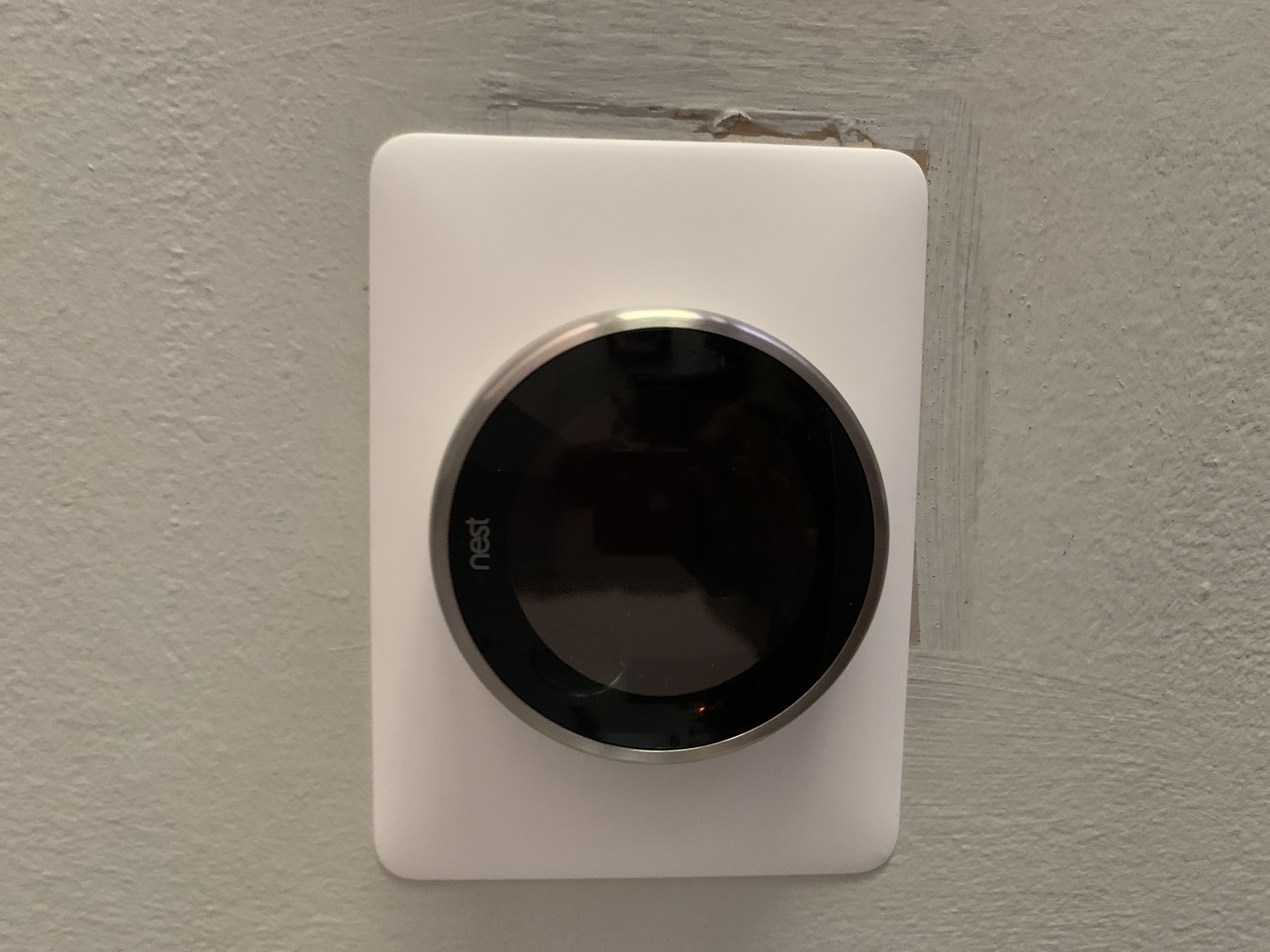
The Nest thermostat blinking green light without any display can be frustrating. Understanding the common causes helps fix the issue faster. Several factors can stop the display from showing, even if the device seems to get power. Knowing these causes saves time and avoids unnecessary replacements.
Power Supply Issues
Power supply problems often cause no display on the Nest thermostat. The device needs a stable power source to work properly. A loose power cable or faulty wiring can interrupt the power flow. Sometimes, the circuit breaker may have tripped, cutting power to the thermostat. Checking the power connection and ensuring the device receives power is the first step.
Display Connection Problems
Even with power, the display may not turn on due to connection issues inside the thermostat. The screen connects to the main board through a small ribbon cable. If this cable is loose or damaged, the display stays blank. Dust or dirt inside the device can also cause poor contact. Opening the device carefully and checking the connections can solve the problem.
Battery Health Concerns
The Nest thermostat has a rechargeable battery that supports its functions. A weak or dead battery can prevent the display from lighting up. Batteries lose capacity over time and may need replacement after several years. If the battery cannot hold charge, the thermostat may blink green but fail to show the display. Testing the battery health or charging status helps identify this cause.
Basic Troubleshooting Steps
When your Nest thermostat shows a blinking green light but no display, basic troubleshooting helps identify the issue. These steps are simple and can fix common problems quickly. Follow the instructions carefully to avoid damage.
Restarting The Thermostat
Restarting the Nest thermostat can clear temporary glitches. Press the thermostat ring and hold it for about 10 seconds. The screen should turn off and then restart. This process refreshes the system and often restores the display.
Checking Display Connections
Loose or damaged connections can cause the screen to remain blank. Gently remove the thermostat from its base. Inspect the pins and connectors for dirt or bends. Clean the contacts with a dry cloth and reattach the thermostat firmly to the base.
Inspecting Power Sources
The thermostat needs proper power to function. Check if the device is charging or connected to the HVAC system. Look for tripped breakers or blown fuses in your home’s electrical panel. Confirm that the wiring to the Nest base is secure and undamaged.
Advanced Fixes
Advanced fixes help solve Nest blinking green light with no display issues. These steps dig deeper than basic checks. They address power, battery, and reset problems to restore your device.
Try these methods carefully. They often bring your Nest back to life without extra help.
Removing And Reinstalling Batteries
Start by removing the Nest’s batteries. Wait for about one minute. This clears any temporary glitches.
Check for corrosion or dirt on battery contacts. Clean gently if needed. Reinsert the batteries firmly. Ensure they fit well to maintain power flow.
Power the device on and watch for changes in the green light. Sometimes, this simple step fixes the display issue.
Resetting The Device
Locate the reset button on your Nest device. Use a paperclip or small pin to press and hold it. Hold for 10 to 15 seconds.
Release the button once the device restarts. The screen should light up and show the welcome message.
This reset clears deeper system errors that stop the display from working.
Using Wall Charger Method
Plug your Nest into a wall charger using the original cable. Let it charge for at least 30 minutes. Charging directly can revive a drained battery.
After charging, unplug and try turning on the device. This method can fix power supply issues causing the blinking green light.
Always use the correct charger to avoid damage or slow charging.
When To Replace Your Nest
Knowing when to replace your Nest device matters. The blinking green light with no display can signal issues beyond simple fixes. Recognizing the right time helps avoid constant troubles and keeps your smart home running smoothly.
Here are key points to consider when deciding on a replacement.
Signs Of Hardware Failure
Frequent reboots or shutdowns suggest hardware problems. If the Nest does not respond to touch or buttons, it may be failing. A blank or flickering screen also shows possible hardware damage. These issues often mean repair is unlikely, and replacement is the best choice.
Battery And Software Support Limits
Old batteries lose charge quickly or fail to hold power. Nest devices with non-replaceable batteries need replacement once battery life ends. Software updates stop after several years, reducing security and features. Without updates, your Nest may not work well or stay safe.
Performance And Connectivity Issues
Slow response or frequent Wi-Fi disconnects reduce convenience. If the Nest cannot connect to your network, it loses smart functions. Inconsistent temperature control shows the device is not working properly. Persistent performance problems often mean it is time for a new unit.
Preventive Tips
Preventing issues like the Nest blinking green light with no display saves time and keeps your device working well. Simple care steps help avoid power or software problems. Follow these tips to keep your Nest thermostat running smoothly.
Regular Firmware Updates
Keep your Nest thermostat’s software up to date. Firmware updates fix bugs and improve device stability. Check for updates regularly through the Nest app. Updated software reduces the chance of display errors or blinking lights.
Proper Installation Practices
Install your Nest thermostat carefully to ensure correct power connection. Follow the manufacturer’s instructions for wiring and mounting. Avoid loose wires or poor contact points. Proper installation helps maintain stable power and prevents display issues.
Battery Maintenance
Monitor your Nest’s battery health frequently. Replace batteries when they show signs of weakness. Use recommended battery types for best performance. Good battery care prevents power drops that cause blinking lights or no display.
Getting Professional Help
When your Nest device shows a blinking green light but no display appears, professional help can guide you. Troubleshooting complex issues alone might cause more problems. Experts know what to check and how to fix it safely. This section explains ways to get help for your Nest device.
Getting support early saves time and prevents damage. Choose the right option based on your situation and comfort with tech tasks.
Contacting Google Support
Google Support offers official help for Nest devices. You can call or chat with trained agents who understand Nest problems well. They provide step-by-step instructions and may offer remote troubleshooting. Their advice is reliable and based on Nest’s design.
Prepare your device information before contacting them. This speeds up the process and helps get quick solutions. Google Support can also guide you on warranty and repair options.
Using Online Community Resources
Many Nest users share tips and fixes in online forums. Google Nest Community and Reddit have active groups discussing similar issues. Browsing these resources can give you ideas to try at home.
Communities offer varied experiences and solutions. Some users post videos or detailed guides for common problems. Use these resources carefully and cross-check any advice with official sources.
When To Seek Technician Assistance
Some Nest issues need hands-on repair by professionals. If your device still shows a blinking green light with no display after basic fixes, a technician can help. They inspect hardware problems or electrical faults safely.
Choose a technician certified to work with smart home devices. This ensures proper handling and reduces risk. Seeking expert repair prevents voiding warranties or causing further damage.
Frequently Asked Questions
Why Is My Nest Thermostat Blinking Green But Not Turning On?
A blinking green light means your Nest thermostat is updating or restarting. If it stays blinking, check power and wiring connections.
What Does Blinking Green Light Mean On Nest?
A blinking green light on Nest means the thermostat is updating software, starting up, or restarting. It usually lasts a few minutes.
What Is The Life Expectancy Of A Nest Thermostat?
A Nest Thermostat typically lasts about 10 years. Battery health, hardware use, and software support affect its lifespan. Smart features may stop earlier. Replace it if it frequently reboots, loses Wi-Fi, or shows unresponsive controls.
How Do I Fix An Unresponsive Nest Thermostat?
Remove both AAA batteries, reinsert them, and firmly click the thermostat onto its base. Wait for it to restart. If unresponsive, use Nest’s troubleshooting guide for further help.
Why Is My Nest Thermostat Blinking Green But No Display?
A blinking green light shows the Nest is updating its software. The display may stay blank during this update. Wait a few minutes for it to finish.
Conclusion
A blinking green light on your Nest usually means it is updating. Wait a few minutes for the process to finish. Persistent blinking might show a power or connection problem. Try checking your power source and Wi-Fi connection. Restarting the device can also help fix minor issues.
If problems continue, contacting support may be necessary. Taking these steps can restore your Nest’s display and function quickly. Staying patient and following simple fixes often solves the blinking green light issue.









