
Is your Cox modem blinking white and leaving you wondering what it means? You’re not alone, and it can be frustrating when your internet suddenly feels unreliable.
That blinking white light isn’t just a random signal—it’s trying to tell you something important about your connection. Understanding why your modem is blinking white can save you time and stress. Keep reading, and you’ll discover simple steps to fix the issue and get your internet back to normal quickly.
Don’t let a blinking light slow you down—take control now!

Reasons For White Blinking Light
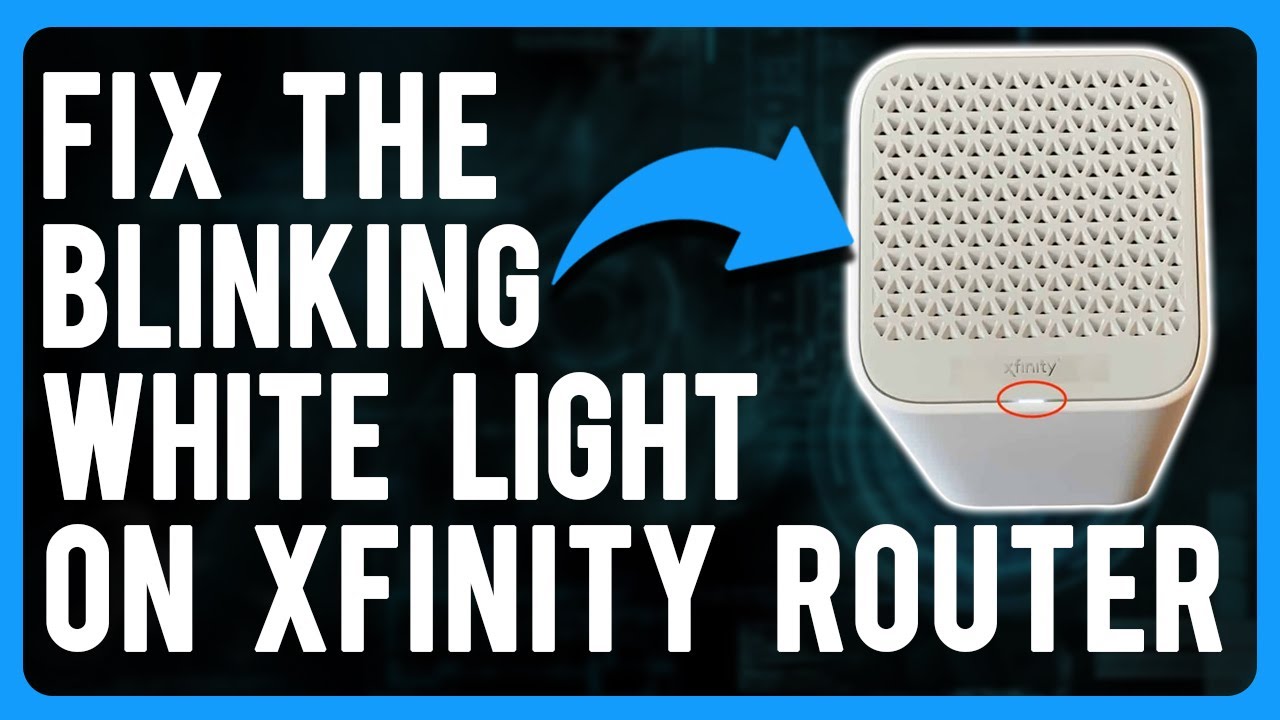
The white blinking light on your Cox modem can signal different things. It often shows that the modem is working on something important. Understanding these reasons helps you know if your modem is fine or needs help.
Some causes of the white blinking light are normal. Others might mean there is a problem. Let’s explore the main reasons behind this blinking light.
Firmware Updates
The modem may blink white during a firmware update. This update improves the modem’s software. It helps fix bugs and boost performance. During this time, the light blinks to show the update is in progress. Avoid turning off the modem during this process.
Network Initialization
Network initialization happens when the modem connects to the internet. The white blinking light means it is trying to establish a connection. This is common after restarting the modem or power outages. The light usually stops blinking once the connection is ready.
Hardware Issues
Sometimes, the white blinking light points to hardware problems. This could be a loose cable or a faulty modem part. Check all cables and connections first. If the problem continues, the modem might need repair or replacement.
Basic Troubleshooting Steps
When your Cox modem blinks white, basic troubleshooting steps can help fix the issue quickly. These simple checks often solve common problems without needing expert help. Follow these easy steps to get your modem back to normal.
Restart The Modem
Turn off your modem by unplugging it from the power source. Wait for about 30 seconds. Plug the modem back in and wait for it to fully start. This can clear temporary glitches causing the white blinking light.
Check Cable Connections
Inspect all cables connected to the modem. Make sure the coaxial cable is tight and secure. Check the Ethernet cable for any damage or loose connections. Loose cables can cause connection issues and blinking lights.
Inspect Power Supply
Ensure the power adapter is properly plugged into both the modem and the wall outlet. Use a different outlet if needed. A faulty power supply can cause the modem to blink white and not work correctly.
Advanced Fixes
Advanced fixes help solve the Cox modem blinking white issue beyond basic steps. These methods dig deeper into the modem’s settings and software. They can restore proper connection and improve overall performance. Follow these steps carefully to avoid errors.
Resetting To Factory Settings
Resetting your modem returns all settings to the original state. This clears any faulty configurations causing the blinking white light. Find the reset button on the back of the modem. Press and hold it for 10-15 seconds using a small tool. Release the button and wait for the modem to restart. The modem lights should stabilize after the reset.
Updating Modem Firmware
Firmware controls how your modem works. Outdated firmware can cause errors like blinking white light. Check the modem’s web interface or Cox website for firmware updates. Download and install the latest version carefully. Updated firmware fixes bugs and improves modem stability.
Checking For Service Outages
Service outages can make the modem blink white. Visit the Cox service status page or use the Cox app to check for outages in your area. Outages disrupt the internet signal to your modem. Wait until the service is restored to see the blinking light stop. Contact Cox support if the issue persists after the outage ends.
When To Contact Support
Knowing when to contact Cox support is important if your modem keeps blinking white. Some blinking patterns mean you can fix issues yourself. Others signal a deeper problem that needs expert help. Acting at the right time saves you frustration and downtime.
Persistent Blinking Issues
If the white light blinks non-stop for more than 30 minutes, contact support. This often means your modem is stuck trying to connect. Restarting the device may not stop the blinking. Let the experts check your connection and settings.
Hardware Replacement
When blinking white comes with slow internet or no connection, hardware may fail. Support can test your modem remotely. They decide if a replacement is needed. Do not try to fix hardware problems yourself to avoid damage.
Account And Service Problems
Sometimes blinking white happens due to account issues. Unpaid bills or service outages cause connection interruptions. Contact support to verify your account status. They can also update service settings or report local outages affecting your modem.
Preventing Future Connection Problems
Preventing future connection problems helps keep your internet stable and fast. Simple habits can stop issues like a Cox modem blinking white light. These steps save time and avoid frustration.
Regular Modem Maintenance
Clean your modem often to remove dust and dirt. Dust blocks vents and slows down your device. Restart your modem at least once a week. This refreshes the connection and clears minor errors. Check cables for damage or loose plugs. Replace old or broken cables immediately.
Avoiding Overheating
Place your modem in a cool, open space. Avoid tight spots or closed cabinets. Keep the modem away from heat sources like radiators or direct sunlight. Overheating causes slow speeds and blinking lights. Use a fan or air conditioner in hot rooms.
Secure Network Setup
Set a strong password for your Wi-Fi network. This stops others from using your internet without permission. Use WPA3 or WPA2 security types for better protection. Change your password regularly to keep your network safe. Disable unused features and remote access on the modem.
Frequently Asked Questions
What Does A Blinking White Light On Cox Modem Mean?
A blinking white light on your Cox modem shows it is trying to connect to the network. This means the modem is starting up or searching for a signal.
How Long Should Cox Modem Blink White Before Working?
Typically, the white blinking light lasts a few minutes during startup. If it blinks longer than 10 minutes, there might be a connection issue.
Why Is My Cox Modem Blinking White But No Internet?
The blinking white light means the modem is not fully connected. This could be due to loose cables, service outages, or account issues.
Can I Fix Cox Modem Blinking White By Myself?
Yes, simple steps like restarting the modem or checking cables often fix this. If it continues, contacting Cox support is best.
Does Blinking White Light Affect Internet Speed On Cox?
Yes, a blinking white light means the modem is not stable. This can cause slow or no internet until the connection is steady.
Conclusion
A blinking white light on your Cox modem can be frustrating. It often means the modem is trying to connect or update. Restarting the modem usually helps fix the issue. Make sure all cables are secure and undamaged. If the blinking continues, contacting Cox support is a good idea.
Staying patient and following these steps can restore your internet quickly. Remember, simple checks often solve common modem problems. Keep your connection steady and enjoy smooth browsing again.









