
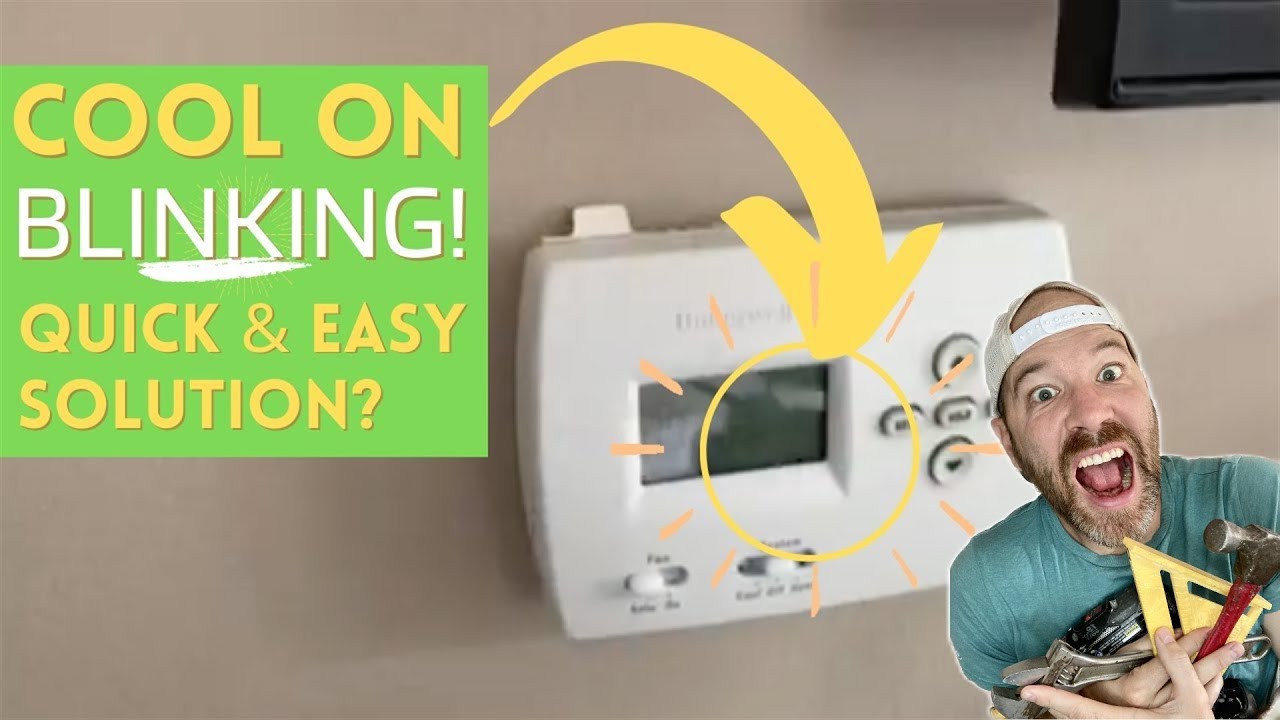
Is your Honeywell thermostat blinking “Cool On,” leaving you wondering what’s going on? You’re not alone.
This flashing signal can be confusing, especially when your air conditioner isn’t kicking in as expected. But don’t worry—this blinking light is usually a built-in safety feature designed to protect your HVAC system. You’ll discover exactly why your thermostat is blinking “Cool On,” what it means for your cooling system, and simple steps you can take to fix it.
By the end, you’ll know how to get your Honeywell thermostat back to normal and keep your home cool without any hassle. Keep reading to solve the mystery behind that blinking light!
Reasons For Blinking Cool On
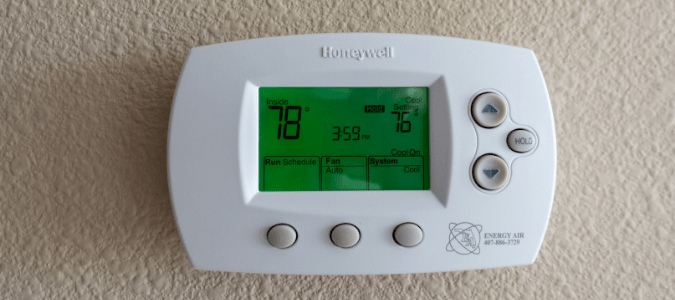
The blinking “Cool On” indicator on a Honeywell thermostat signals the cooling system is in a temporary hold state. This blinking helps protect your HVAC unit and ensures smooth operation. Various reasons can cause this blinking, from built-in safety delays to technical issues. Understanding these reasons helps you know what to expect and when to seek help.
Compressor Protection Delay
The thermostat blinks “Cool On” to protect the compressor. This delay stops the compressor from turning on too soon after it switches off. Rapid on/off cycles can damage the compressor and shorten its life. The delay usually lasts a few minutes to keep the system safe and stable.
Power Cycling Issues
Power cycling happens when the thermostat repeatedly turns the cooling system on and off. This can cause the “Cool On” light to blink. Power cycling may result from electrical problems or thermostat faults. It prevents damage by pausing the compressor before restarting.
Sensor Or Communication Errors
The thermostat uses sensors to monitor temperature and system status. If a sensor fails or communication between parts breaks down, the “Cool On” light may blink. These errors signal the thermostat is unsure about the system’s condition. Fixing sensors or connections often solves this issue.
Common Causes To Check
The blinking “Cool On” indicator on your Honeywell thermostat signals some common issues. These issues may affect your air conditioning system’s performance. Checking these causes can help you identify the problem quickly.
Many times, the problem lies in simple areas that are easy to fix. Understanding these causes allows you to troubleshoot efficiently without needing expert help immediately.
Clogged Air Filters
Dirty or clogged air filters reduce airflow in your HVAC system. This restriction forces the system to work harder and may cause the “Cool On” light to blink. Check your air filters every month. Replace them if they look dirty or dusty. Clean filters improve air quality and system efficiency.
Power Supply Problems
Power issues often cause blinking signals on thermostats. Make sure the furnace or air handler switch is turned on. Also, check the circuit breakers to see if any have tripped. A steady power supply is crucial for your thermostat to operate correctly. Loose or damaged wires can also cause power interruptions.
Low Or Dead Batteries
Thermostats with low batteries may show blinking lights or dim screens. Replace old batteries with fresh, high-quality ones. This simple step can restore normal function to your thermostat. Check the battery compartment regularly to avoid unexpected shutdowns.
Advanced Troubleshooting
Advanced troubleshooting helps find deeper issues causing the “Cool On” blinking on your Honeywell thermostat. It digs beyond basic fixes to target hidden problems. This section focuses on key causes that often require more detailed checks. Understanding these can save time and money.
Frozen Evaporator Coils
Frozen evaporator coils block airflow and reduce cooling. This happens when air filters are dirty or airflow is limited. Ice builds up on coils, causing the thermostat to blink “Cool On”. Turn off the system and let coils thaw completely. Clean or replace air filters regularly to avoid freezing.
Low Refrigerant Levels
Low refrigerant means your AC cannot cool properly. The thermostat may blink as the system struggles to reach set temperatures. Refrigerant leaks cause this issue, which only a professional can fix. Have a certified technician check and recharge refrigerant if needed. Avoid trying to handle refrigerant yourself.
Faulty Wiring Or Thermostat
Loose or damaged wiring can disrupt thermostat signals. It causes blinking and erratic behavior. Inspect wires for breaks or poor connections at the thermostat and HVAC unit. Sometimes, the thermostat itself may fail. Replacing the thermostat or fixing wiring often resolves the blinking “Cool On” light.
Simple Fixes And Tips
Simple fixes and tips can help solve the blinking “Cool On” light on your Honeywell thermostat. These quick actions restore normal function without waiting for a technician. Small problems often cause this blinking, and they are easy to fix. Follow these steps to keep your system running smoothly and avoid interruptions.
Resetting The Thermostat
Resetting the thermostat clears temporary errors that cause blinking. To reset, turn off the thermostat and remove it from the wall plate. Wait about 30 seconds, then reattach it and turn it back on. This action refreshes the system and often stops the blinking light. If the problem continues, try the next tip.
Replacing Batteries
Low or dead batteries may cause the thermostat to blink “Cool On.” Check the battery compartment and replace old batteries with fresh, high-quality ones. Use the correct size and type to ensure proper power. After replacing, the thermostat should stop blinking and work normally. Regular battery changes prevent this issue from returning.
Cleaning Or Replacing Filters
Dirty filters block airflow and can trigger the blinking light. Inspect your HVAC filters and clean or replace them if needed. Clean filters improve air circulation and system efficiency. Replace filters every 1 to 3 months, depending on use. Keeping filters clean reduces strain on your air conditioner and stops the blinking signal.
When To Call A Professional
Knowing when to call a professional for a blinking “Cool On” light on your Honeywell thermostat saves time and prevents damage. Some issues need expert tools and skills. Trying to fix complex problems alone may cause more harm.
Experts ensure safety and proper repair. They diagnose the root cause accurately. This section highlights key moments to contact a professional for your thermostat problems.
Checking Voltage And Wiring
Voltage problems can cause the “Cool On” light to blink continuously. Loose or damaged wires may disrupt power flow. A professional uses special tools to test voltage safely. They inspect all wiring connections inside the thermostat and HVAC unit. Faulty wiring can lead to system failure or electrical hazards.
Refrigerant Leak Repair
A low refrigerant level often triggers the blinking light. Leaks reduce cooling efficiency and harm the compressor. Only certified technicians handle refrigerant safely. They locate leaks using advanced equipment. Professionals recharge refrigerant following environmental rules. Timely repair prevents costly HVAC damage and improves comfort.
Thermostat Replacement
Sometimes the thermostat itself is faulty. Internal sensors or circuits may fail over time. A professional tests the thermostat’s functions thoroughly. If needed, they replace it with a compatible model. Proper installation ensures the new thermostat works without errors. This avoids recurring blinking issues and keeps your home cool.
Preventive Measures
Preventive measures help keep your Honeywell thermostat working smoothly. Taking simple steps stops the “Cool On” blinking problem. Regular care avoids bigger issues and saves money. It also improves your home’s comfort and energy use.
Regular Maintenance Schedule
Set a regular time to check your thermostat and HVAC system. Clean or replace air filters every month or two. Dust and dirt can cause system delays and errors. Check for loose wires or signs of wear on the thermostat. Regular checks help catch small problems early. A well-maintained system runs better and lasts longer.
Monitoring System Performance
Watch how your HVAC system works each day. Note any unusual noises, smells, or blinking lights on the thermostat. Keep track of how long the system runs to cool your home. Too long or too short cycles can signal a problem. Early signs alert you to call a technician before damage occurs.
Using Quality Replacement Parts
Always use good quality parts for repairs and replacements. Cheap parts can fail quickly and cause more blinking errors. Choose parts that match your Honeywell model exactly. Using correct parts keeps your system stable and reliable. A trusted brand ensures better performance and fewer issues.
Frequently Asked Questions
Why Is My Honeywell Thermostat Blinking Cool On?
A blinking “Cool On” on your Honeywell thermostat signals a built-in delay to protect the AC from short cycling. It pauses compressor activation briefly. If blinking lasts over five minutes, check power, wiring, filters, or call a professional for voltage and system inspection.
Why Is The Cool Symbol Flashing On My Thermostat?
The flashing cool symbol means your thermostat delays AC startup to protect the compressor from short cycling. Wait a few minutes.
Why Is The Honeywell Thermostat “cool On” Light Blinking?
The blinking “Cool On” light means the system is in a delay mode. This protects the AC from turning on and off too fast.
What Causes The “cool On” Blinking To Last Too Long?
A long blinking delay may mean voltage issues or wiring problems. A professional should check the system’s power and connections.
How Can I Fix A Blinking “cool On” On My Honeywell Thermostat?
Check the air filter and power supply first. Replace batteries if needed and ensure no breakers are tripped.
Conclusion
A blinking “Cool On” light on your Honeywell thermostat usually means the system is protecting itself. This delay helps prevent damage from turning the AC on and off too fast. Check your air filters, power supply, and thermostat batteries first.
Persistent blinking might mean frozen coils, low refrigerant, or wiring issues. If problems continue, contact a professional technician for help. Keeping your thermostat and HVAC system in good shape ensures comfort and efficiency in your home. Stay attentive to your thermostat’s signals for smooth cooling performance.









