
Have you noticed a blinking green light on your smoke detector and wondered what it means? That little flashing light isn’t just a random signal—it’s trying to tell you something important about your safety.
Whether it’s a sign your detector is working properly or a warning that it needs attention, understanding this light can give you peace of mind. You’ll discover exactly what a blinking green light on your smoke detector means and what steps you should take next.
Keep reading to make sure your home stays safe and your smoke detector stays in top shape.
Meaning Of Green Light
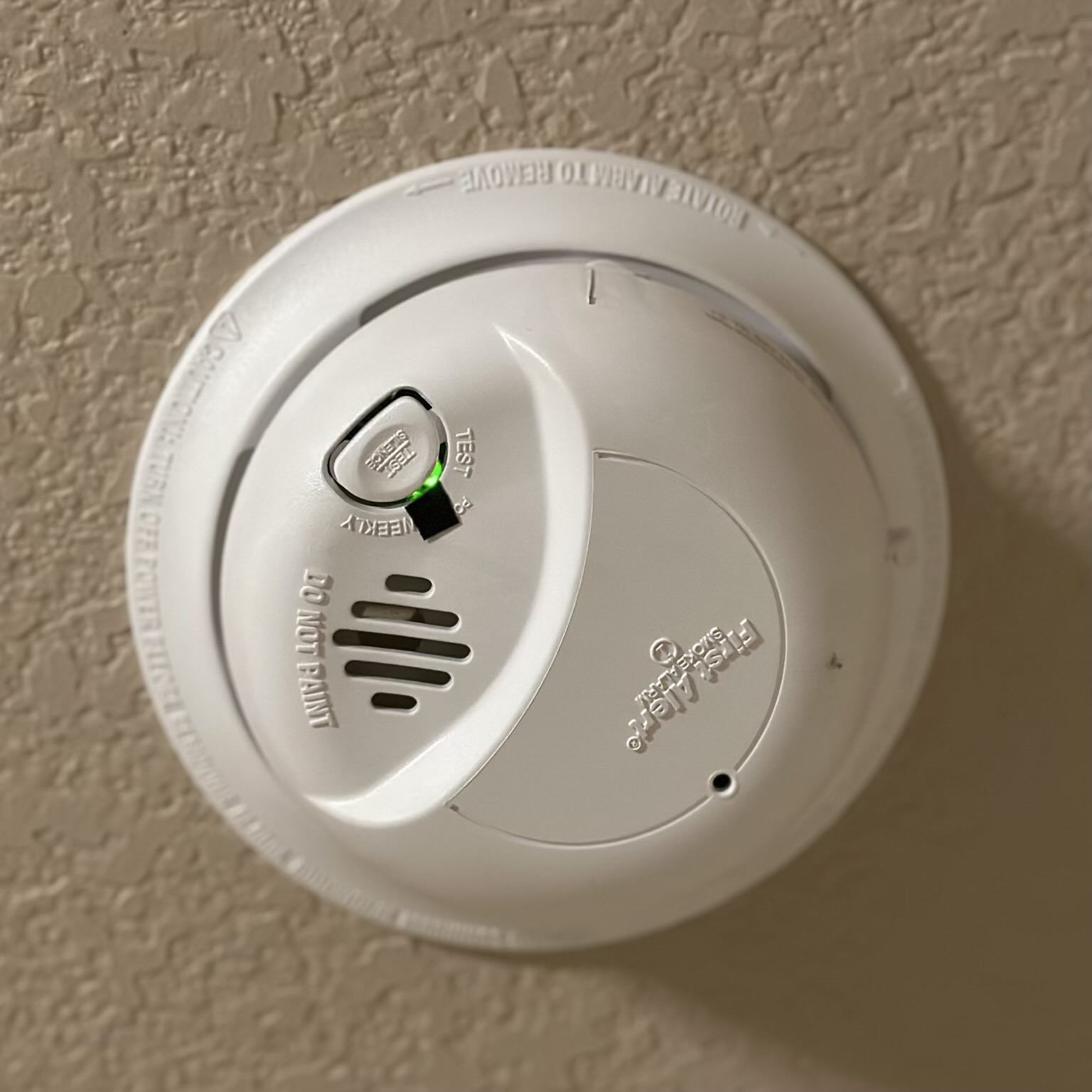
The blinking green light on a smoke detector often raises questions. This light serves as a clear sign from the device about its current state. Understanding what the green light means helps you ensure your smoke detector works properly. It also lets you know if any action is needed to keep your home safe.
Normal Operation Indicator
A blinking green light usually means the smoke detector is working well. It shows the device is active and monitoring the air. This light confirms the smoke detector is ready to alert you in case of smoke or fire. No alarm or urgent issue is present if the green light blinks steadily.
Power Connection Status
The green light also signals the power status of the smoke detector. On hardwired models, a steady or blinking green light means the unit is connected to AC power. This confirms the device has a constant power supply. Without this power, the smoke detector cannot function properly.
Battery Condition Signals
Some smoke detectors use the green light to show battery health. A blinking green light can mean the battery is good and supplying power correctly. If the light changes or stops blinking, it might indicate a weak battery. Regular battery checks help avoid false alarms or missed warnings.
Common Causes For Blinking Green
Smoke detectors use blinking lights to communicate their status. A blinking green light often signals an important message about the device’s condition. Understanding the common causes helps you keep your smoke detector working well. This section covers typical reasons for a blinking green light.
Sensor Needs Cleaning
Dust and dirt can gather inside the smoke detector. This buildup blocks the sensor’s view and triggers the green light to blink. Cleaning the sensor chamber can fix this problem. Use a vacuum or soft brush to gently remove dust. Regular cleaning keeps the detector sensitive and reliable.
Battery Running Low
Some smoke detectors show a blinking green light when battery power is low. The device still works but may not alert you properly in an emergency. Replacing the battery with a fresh one stops the blinking. Check the battery type and insert it correctly for best results.
End-of-life Alerts
Smoke detectors do not last forever. After several years, parts wear out and sensors lose accuracy. A blinking green light can signal the device is near the end of its life. Manufacturers recommend replacing the smoke detector every 8 to 10 years. Doing so keeps your home safe and up to code.
Different Light Colors Explained
Smoke detectors use different colored lights to communicate their status. These lights help users understand if the device is working properly or if it needs attention. Knowing the meaning behind each color can keep your home safer. Here is a simple guide to the common light colors on smoke detectors.
Red Light Warnings
A red light usually signals danger. It may flash rapidly or stay solid during an alarm. This light shows smoke or fire has been detected. Sometimes, a slow red blink means the battery is low. In all cases, red lights need immediate action to ensure safety.
Amber Light Alerts
Amber or yellow lights often indicate a warning. This color may appear when the battery is weak or the sensor has a fault. It can also mean the smoke detector is nearing the end of its life. Amber alerts tell you to check the device soon, but they are not emergencies.
Green Light Significance
A blinking green light usually means the smoke detector is working properly. It shows the device has power and is in standby mode. Sometimes, a green blink can mean the sensor needs cleaning. This light is a good sign but should still be monitored.
Troubleshooting Steps
Troubleshooting a blinking green light on your smoke detector helps keep your home safe. The green light often signals normal operation but can also indicate minor issues. Follow simple steps to fix common problems quickly. These steps include battery replacement, resetting the detector, and cleaning the sensor chamber.
Battery Replacement Tips
Start by checking the battery. A weak battery may cause the green light to blink. Use the correct battery type recommended by the manufacturer. Remove the old battery carefully and insert the new one. Make sure it fits snugly and the contacts touch properly. Test the detector after replacement to ensure it works.
Resetting The Detector
Resetting can clear minor errors causing the blinking light. Locate the reset button on your smoke detector. Press and hold the button for 15 to 20 seconds. Release the button and wait for the detector to reboot. The green light should stop blinking if the reset is successful. If not, try the reset process again or move to the next step.
Cleaning The Sensor Chamber
A blinking green light may mean the sensor chamber is dirty. Dust and debris block the sensor, causing false signals. Use a soft brush or compressed air to clean the chamber gently. Avoid using water or cleaners inside the detector. Clean the detector regularly to prevent future issues. After cleaning, check if the blinking stops.
Model-specific Behaviors
Smoke detectors show different light signals based on their models. The blinking green light can mean various things depending on the brand and type. Understanding model-specific behaviors helps you know if your detector works well or needs attention.
Each manufacturer sets unique signals for their alarms. These signals can show power status, maintenance needs, or faults. Knowing these details avoids confusion and keeps your home safe.
First Alert Smoke Detectors
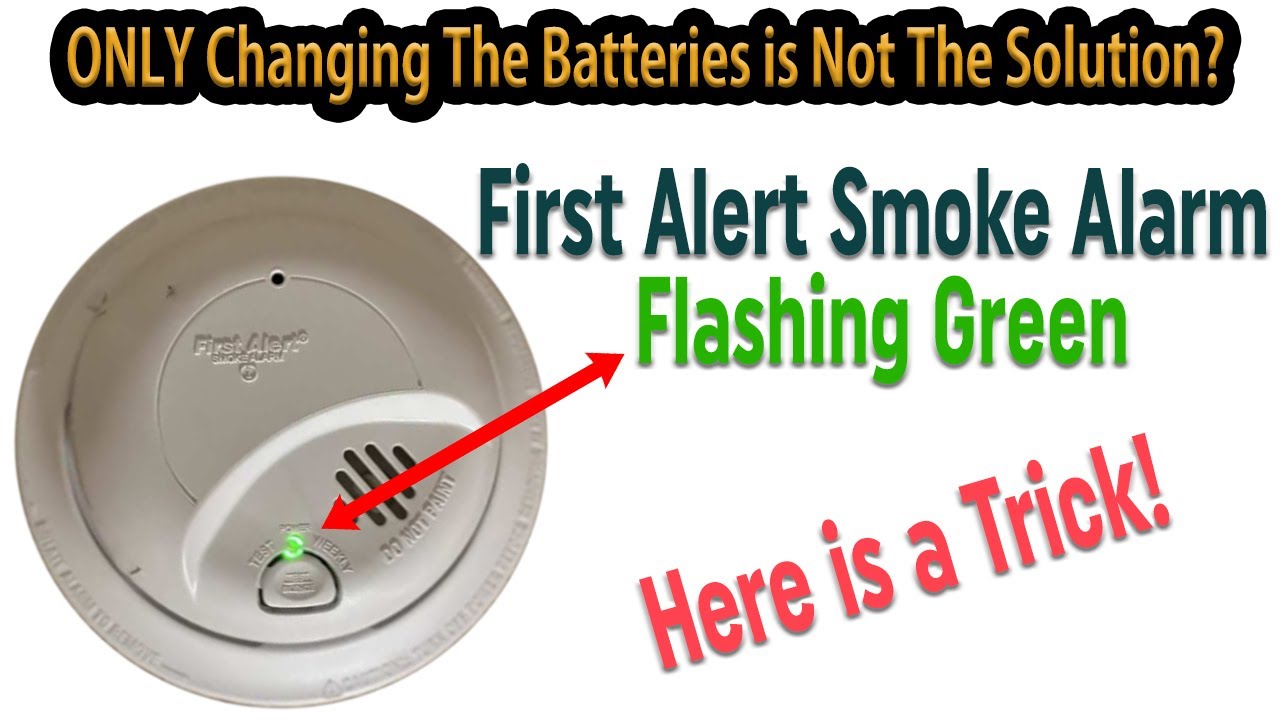
First Alert smoke detectors often use a blinking green light to show power status. A steady or slow blinking green means the unit is connected to power. If the green light blinks twice per minute, it may signal the sensor needs cleaning. This helps keep the detector working properly. Replacing the battery can also stop unwanted blinking.
Kidde Smoke Alarms
Kidde alarms use the green light differently. A blinking green light usually means the alarm is in normal standby mode. Rapid or irregular blinking can indicate a problem, such as low battery or sensor fault. Kidde recommends checking batteries and cleaning the unit if blinking continues. This ensures the alarm alerts correctly in case of smoke.
Hardwired Vs Battery-powered Units
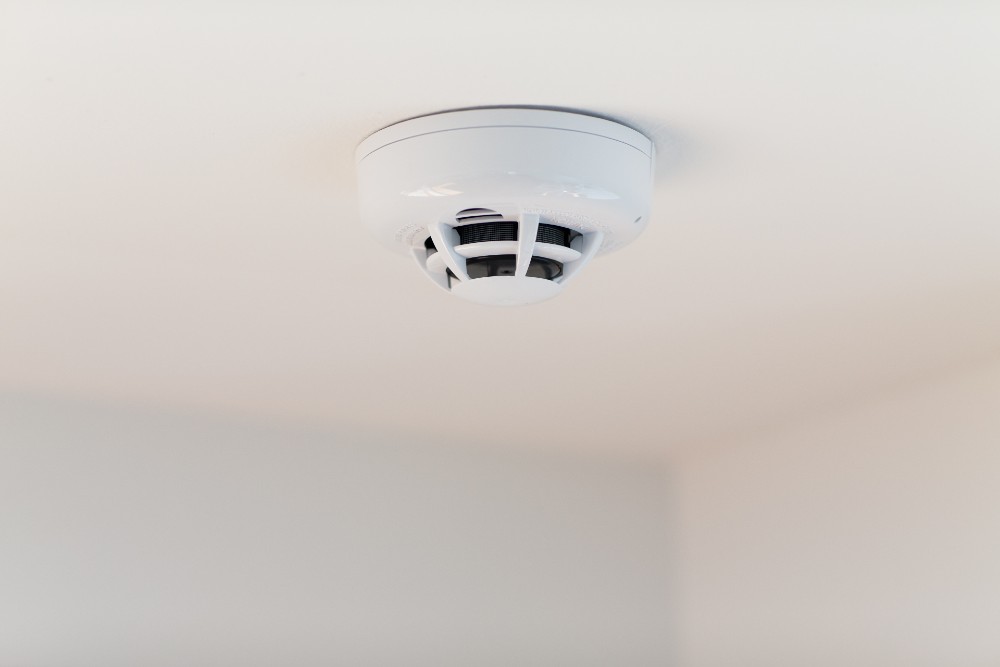
Hardwired smoke detectors often show a green light when connected to AC power. A blinking green light can mean the unit is powered and ready. Battery-powered units may blink green to signal low battery or test mode. Battery alarms need regular checks and battery changes to prevent false signals. Each type has unique light patterns to communicate its status clearly.
Credit: www.vivint.com
When To Replace Your Detector
Knowing when to replace your smoke detector is vital for home safety. Smoke detectors do not last forever. Over time, their parts wear down. This can cause them to fail when you need them most.
Some signs show it’s time to get a new detector. Ignoring these signs can put your family at risk. Regular checks and timely replacement keep your home safe.
Battery Replacement Limits
Smoke detector batteries usually last about one year. Some models have sealed batteries that cannot be replaced. When the battery dies, the whole unit must be replaced. If your detector keeps beeping after a new battery, consider buying a new one.
Sensor Malfunction Signs
A blinking green light can mean sensor issues. Dust, dirt, or age can cause sensor problems. If the detector often blinks green and alarms without smoke, the sensor might be faulty. Sensor problems mean the detector cannot alert you properly. Replace it if cleaning does not help.
End-of-life Indicators
Most smoke detectors last 8 to 10 years. After this, they should be replaced regardless of performance. Some models show an end-of-life alert with blinking lights or beeps. Check the manufacture date on your detector. Replace it if it is older than 10 years or shows end-of-life signals.
Safety Precautions
Understanding safety precautions related to your smoke detector is essential. The blinking green light often signals normal operation, but careful attention keeps your home safe. Follow simple steps to maintain your device and avoid risks.
Proper care ensures your smoke detector works well when needed. Avoid actions that might disrupt its function and keep it ready to protect your family.
Avoid Disconnecting Power Unnecessarily
Do not unplug or remove power from your smoke detector without reason. Disconnecting power can stop the detector from working. This leaves your home unprotected against fire emergencies. Keep the device powered unless you are replacing batteries or doing maintenance.
Regular Maintenance Schedule
Clean your smoke detector regularly to prevent false alarms and malfunctions. Dust and dirt can block sensors. Check the unit at least once every six months. Follow the manufacturer’s instructions for proper cleaning methods. This keeps the detector responsive and reliable.
Testing Alarm Functionality
Test your smoke detector monthly to ensure it works correctly. Press the test button until the alarm sounds. If it does not, replace batteries or the entire unit if needed. Regular testing guarantees the alarm will alert you during a fire.
User Experiences And Tips
Many users share their experiences about the blinking green light on smoke detectors. These stories help others understand what the light means and how to handle it. Tips from real people often solve common problems quickly and easily.
Reading about user experiences can save time and reduce stress. People also share advice on avoiding false alarms and keeping detectors working well.
Users often report the green light blinking fast or irregularly. Some say it happens after battery changes or power surges. Others notice the light blinking more when dust or dirt builds up inside. Many mention the detector beeps along with the blinking green light.
Several users find the blinking green light confusing because manuals explain only red lights. Some worry the detector is broken when it actually signals normal operation.
Effective Fixes From Community
Many people fix the blinking green light by cleaning the smoke detector gently. Using a soft brush or vacuum helps remove dust from the sensor chamber. Replacing old batteries with fresh ones often stops the blinking light.
Resetting the smoke detector by pressing the test button works for some models. Others suggest checking the power connection if the unit is hardwired. Sharing these fixes online helps others solve the problem fast.
Avoiding False Alarms
Users advise keeping detectors away from cooking areas or steam sources. Regular cleaning prevents dust buildup that can cause false alarms. Changing batteries yearly keeps the detector working properly.
Testing the smoke detector monthly ensures it is ready in an emergency. Following these tips helps avoid annoying false alarms and blinking lights.
Frequently Asked Questions
Why Is My Smoke Alarm Light Blinking Green?
A blinking green light on your smoke alarm usually means it has power and functions correctly. Sometimes, it signals sensor cleaning or battery replacement is needed. Check the manual for your model to confirm, then replace batteries or clean the sensor to stop blinking.
Does A Blinking Smoke Alarm Need New Batteries?
A blinking smoke alarm often signals low batteries. Replace batteries promptly to stop the blinking and ensure proper function.
Is A Green Light Good On A Smoke Detector?
A green light on a smoke detector usually means it has power and works correctly. A steady or blinking green light shows normal operation.
How Do You Reset A Blinking Smoke Detector?
To reset a blinking smoke detector, remove its battery and power source. Press and hold the reset/test button for 15 seconds. Reinstall the battery and restore power. This stops blinking and resets the unit. Clean the sensor chamber if blinking persists.
What Does A Blinking Green Light On Smoke Detector Mean?
A blinking green light usually shows the detector has power and is working. It often means the smoke alarm is connected to electricity properly. Sometimes, it signals the device is in standby mode.
Conclusion
A blinking green light on your smoke detector usually means it works properly. It often shows the device is powered and ready. Sometimes, it reminds you to clean or check the sensor. Replacing the battery can stop the blinking if it signals a low charge.
Regular checks keep your home safe and your alarm reliable. Stay alert to your smoke detector’s signals to protect your family. Simple actions help maintain its best performance every day.









