Is your smoke detector blinking green, and you’re not sure what it means? You’re not alone.
That blinking green light can be confusing, but it’s actually your alarm’s way of communicating with you. Understanding what this signal means can help you ensure your home stays safe without unnecessary worry or late-night interruptions. You’ll discover why your smoke detector blinks green, what it’s trying to tell you, and simple steps you can take to fix common issues quickly.
Keep reading to take control of your home’s safety and put your mind at ease.
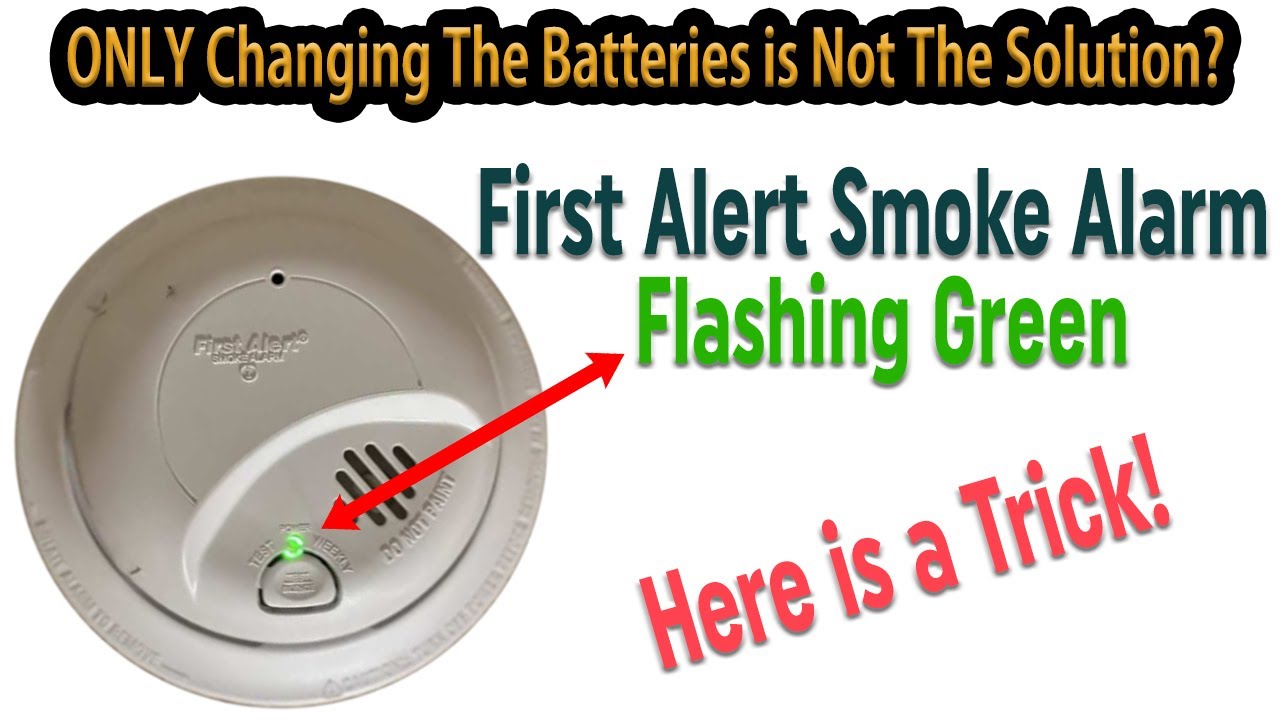
Green Light Signals

Battery Issues
Battery issues are a common reason behind a smoke detector blinking green. The blinking green light often signals the battery needs attention. Batteries power the smoke detector’s sensor and alarm. A weak or dead battery can cause the light to blink or the alarm to chirp. Checking and managing the battery is essential for the device to work properly and keep you safe.
Replacing The Battery
Replacing the battery is a simple fix for a blinking green light. Open the smoke detector’s cover carefully. Remove the old battery and insert a new one. Use the battery type recommended by the manufacturer. After replacing, close the cover securely. Test the alarm by pressing the test button. If the blinking stops, the battery was the issue.
Battery Backup In Hardwired Units
Hardwired smoke detectors connect to home electricity but still have battery backup. The backup battery works during power outages. If the backup battery is low, the green light may blink. Replace the backup battery regularly, even if the main power is on. This ensures the alarm works at all times. Check the manual for battery replacement instructions in hardwired units.
Cleaning And Maintenance
Regular cleaning and maintenance keep your smoke detector working well. Dust and dirt can block sensors and cause errors. A clean detector responds faster in emergencies. Maintenance also helps avoid annoying false alarms. A little care goes a long way to protect your home and family.
Removing Dust And Debris
Turn off the power to the smoke detector before cleaning. Use a soft brush or vacuum with a hose attachment. Gently remove dust from vents and outer casing. Avoid using water or cleaning sprays on the unit. Clean your detector every few months or more often in dusty areas.
Preventing False Alarms
Keep the area around the smoke detector clear of dust and insects. Check for spider webs or debris inside the device. Replace batteries regularly to ensure steady power. Test the detector monthly to confirm it works properly. Proper care reduces false alarms and extends device life.
Resetting The Detector
Resetting your smoke detector can solve blinking green light issues quickly. This simple step refreshes the device’s system. It clears errors and restores normal operation. Each type of detector needs a different reset method. Follow the right instructions for your alarm type.
Resetting Battery-operated Alarms
First, remove the smoke detector from its mounting bracket. Open the battery compartment and take out the battery. Wait for about 30 seconds to let the device power down. Press and hold the test button for 15 seconds. This clears the memory and resets the unit. Replace the battery with a fresh one. Close the compartment and reattach the detector to the ceiling. The blinking green light should stop after a few moments.
Resetting Hardwired Alarms
Turn off the power to the smoke detector at your circuit breaker. Remove the detector from its mounting base carefully. Disconnect the power plug from the back of the alarm. Press and hold the test button for 15 seconds to reset the alarm. Reconnect the power plug and reattach the detector to the base. Turn the power back on at the circuit breaker. The green light should stop blinking once the system resets.
Consulting The Manual
Consulting the manual is the best step when your smoke detector blinks green. Each model uses different signals to communicate its status. The manual explains what the blinking green light means for your device. It helps avoid unnecessary worry or mistakes. You get clear, trusted information straight from the manufacturer. This section highlights the importance of the manual and how to use it effectively.
Model-specific Light Codes
Smoke detectors have unique light patterns based on their model. The blinking green light can mean normal operation for one model. For another, it might signal a low battery or a fault. The manual lists all light codes and their meanings. It tells you what action to take for each code. This prevents confusion and ensures proper care of your device.
Manufacturer Recommendations
Manufacturers provide clear advice on handling blinking lights in the manual. They explain whether the green blink is normal or needs attention. Some models require regular battery changes or resets after blinking. The manual may include troubleshooting tips or safety warnings. Following these recommendations keeps your smoke detector working well. It also protects your home from fire hazards.
Troubleshooting Tips
Troubleshooting a smoke detector blinking green helps keep your home safe. This light often means the alarm is powered and working. Yet, blinking green can also signal issues needing attention. Follow these simple tips to fix common problems. Proper care ensures your detector operates reliably.
When To Replace The Detector
Smoke detectors usually last about 10 years. If your alarm blinks green but acts strange, check its age. A detector older than 10 years may not work well. Replace it to ensure safety. Also, if it frequently beeps or resets fail, consider buying a new one. Old detectors can give false signals or fail to alert you.
Testing After Fixes
After cleaning or changing batteries, test the detector. Press the test button until you hear a loud beep. This confirms the alarm is working correctly. If it does not beep, check the battery or connections again. Regular testing helps find problems early. Test smoke detectors once a month to stay safe.
Frequently Asked Questions
Why Is My Smoke Detector Blinking Green?
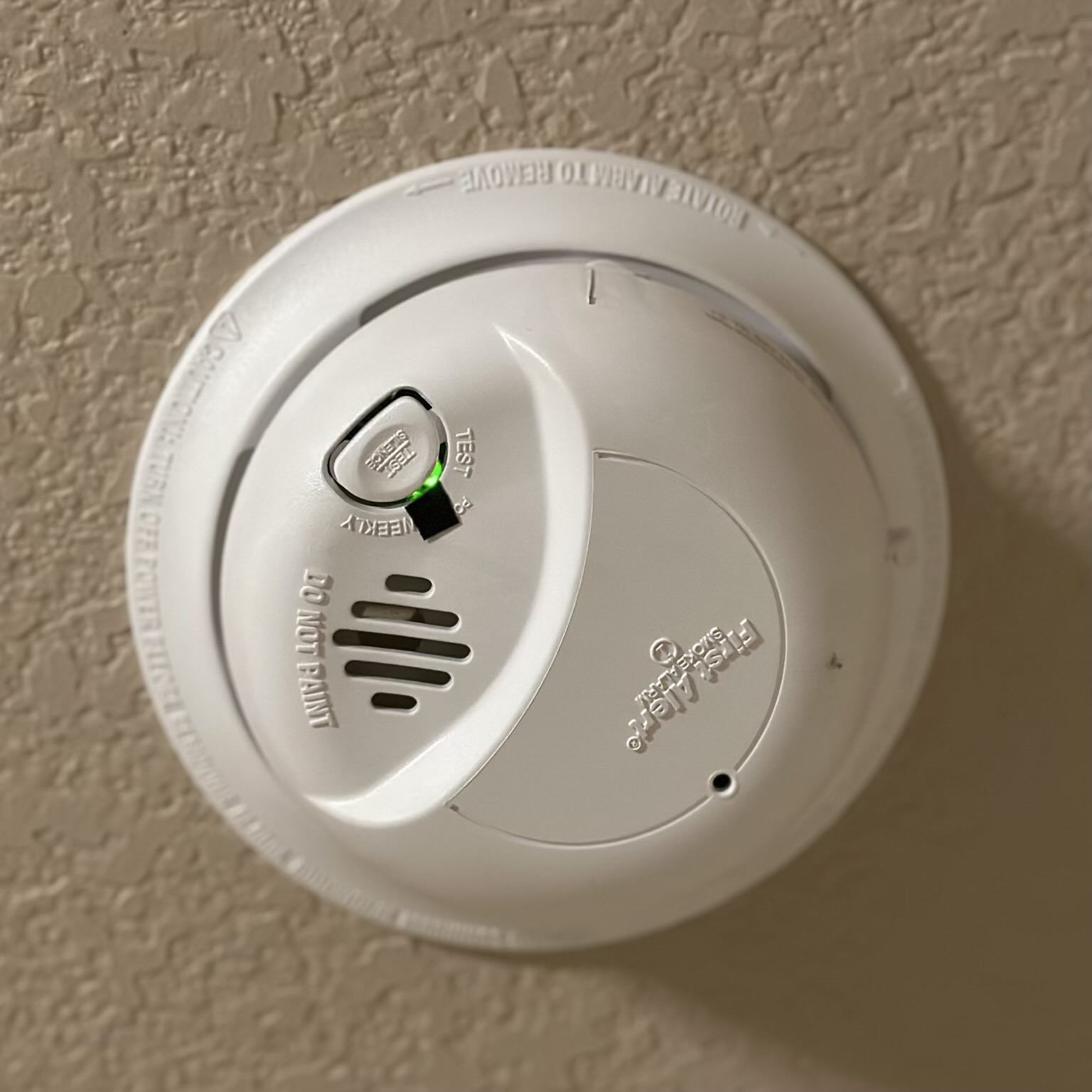
A blinking green light on your smoke detector usually means it has power and works properly. Rapid blinking can signal low battery. Clean dust or insects and reset the unit if blinking persists. Always check your model’s manual for exact light meanings.
Does A Blinking Smoke Alarm Need New Batteries?
A blinking smoke alarm often signals low batteries. Replace batteries promptly to ensure proper function and safety.
How Do I Reset A Smoke Detector?
To reset a smoke detector, press and hold the reset button for 15-20 seconds. Replace batteries if needed. Clean dust from vents to ensure proper function. Consult the user manual for model-specific instructions. Test the alarm after resetting to confirm it works correctly.
Why Did My Fire Alarm Randomly Go Off In The Middle Of The Night Then Stop?
Your fire alarm likely detected a temporary smoke or dust particle, causing a brief alert. It stopped once the trigger cleared. Check batteries and clean the unit to prevent false alarms.
What Does A Blinking Green Light On A Smoke Detector Mean?
A blinking green light usually means the smoke detector has power and is working. It shows the device is active and monitoring for smoke.
Conclusion
A blinking green light usually means your smoke detector has power. It shows the device works properly. Sometimes, faster blinking or extra sounds signal a low battery. Dust or insects can also cause blinking or false alarms. Cleaning the detector and changing batteries helps fix issues.
Always check your model’s manual for exact details. Regular maintenance keeps your home safe and your smoke detector working well. Stay alert and take action if the green light blinks unusually.