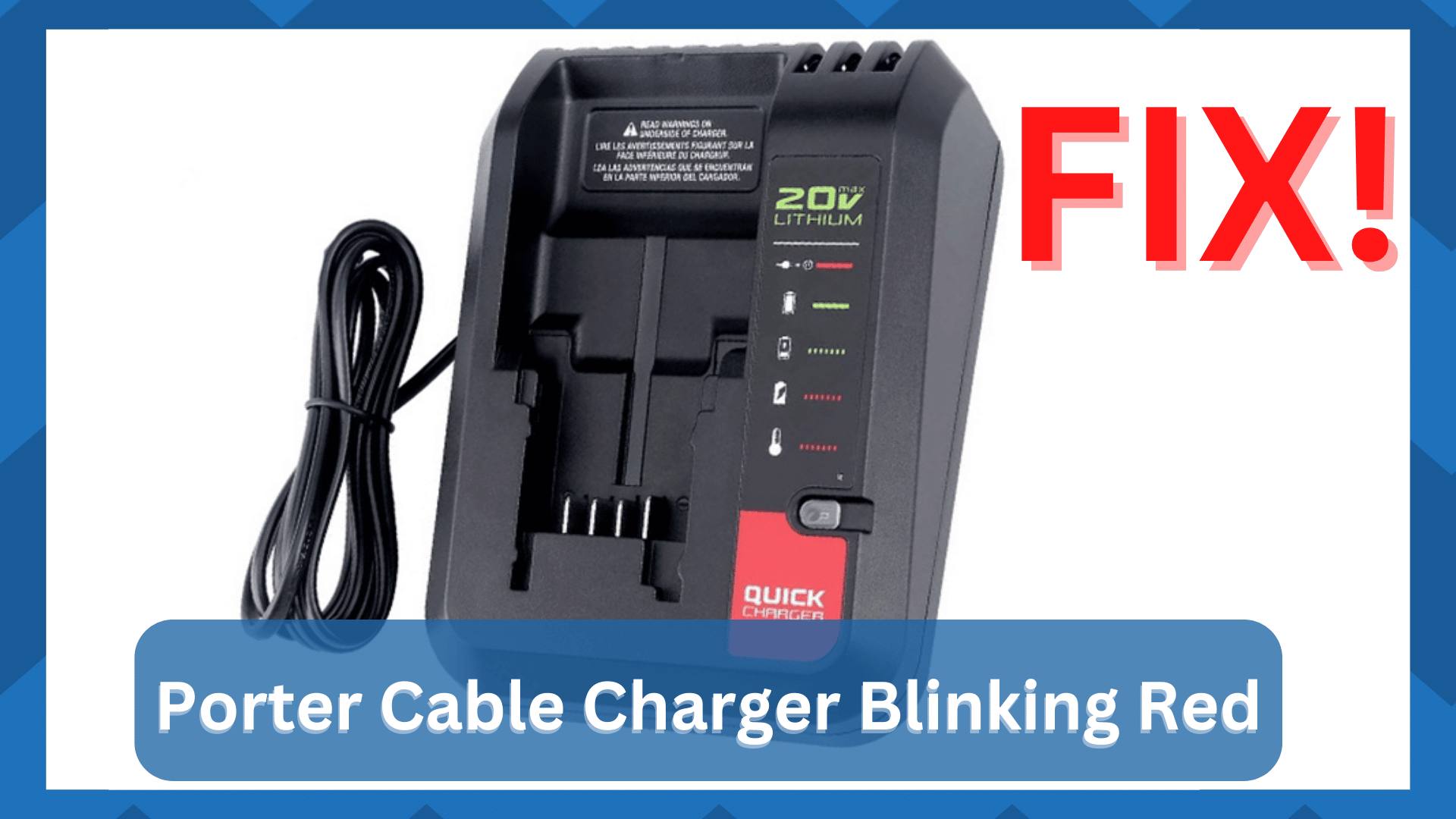
Is your Porter Cable charger blinking red and leaving you puzzled? This flashing red light isn’t just a random signal—it’s your charger’s way of telling you something’s wrong.
Maybe your battery won’t charge, or the tool isn’t powering up as it should. If you’ve faced this frustrating issue, you’re not alone. But don’t worry—understanding what the blinking red light means and how to fix it can save you time, money, and headaches.
You’ll discover the common reasons behind that blinking red light and simple steps you can take right now to get your Porter Cable tools back in action. Keep reading—your next project depends on it!
Causes Of Blinking Red Light
The blinking red light on a Porter Cable charger signals an issue needing attention. Understanding the causes helps in troubleshooting and fixing the problem quickly. Common reasons include battery voltage issues, overheating, charger malfunctions, and battery age or damage. Each factor affects the charging process differently.
Battery Voltage Issues
A blinking red light often means the battery voltage is not within the normal range. The charger detects if the voltage is too high or too low. This stops charging to protect the battery and charger. Low voltage may happen after long storage or heavy use. High voltage can occur if the battery is faulty or improperly connected.
Overheating And Temperature Problems
Excess heat causes the charger to blink red as a warning. Batteries and chargers work best within a certain temperature range. If either gets too hot or too cold, charging stops. Overheating may result from continuous use or poor ventilation. Cold temperatures can slow down battery chemistry and prevent proper charging.
Charger Malfunctions
Sometimes the charger itself has faults. Internal damage, worn-out parts, or electrical issues can cause the red light to blink. A malfunctioning charger may fail to detect the battery correctly. It may also deliver wrong voltage or current. Testing the charger with a known good battery helps identify this problem.
Battery Age And Damage
Old or damaged batteries often trigger the blinking red light. Over time, batteries lose capacity and develop internal faults. Physical damage, such as dents or leaks, also affects charging. The charger senses these problems and stops charging to avoid risks. Replacing the battery is usually the only solution.

Basic Troubleshooting Steps
When your Porter Cable charger blinks red, the first step is simple troubleshooting. These checks help find common issues fast. Follow these basic steps to understand and fix the problem.
Inspect And Clean Contacts
Dirty or blocked contacts stop charging. Remove the battery and look at the metal contacts. Use a dry cloth or soft brush to clean any dust or dirt. Make sure contacts are dry and free from rust. Reinsert the battery and check if the red blinking stops.
Try A Different Battery
The battery may be faulty. Test the charger with another battery of the same model. If the light stops blinking red, the first battery is likely the problem. Replace or repair the battery to fix charging issues.
Resetting The Charger
Resetting can clear minor errors in the charger. Unplug the charger from the power outlet. Leave it unplugged for about five minutes. Plug it back in and insert the battery again. This simple reset might stop the red blinking light.
Checking Charger Power Source
Power source problems affect charging. Check the outlet by plugging in another device. Confirm the outlet has power and is working properly. Avoid using extension cords or power strips. Connect the charger directly to a wall outlet for best results.
Reviving A Dead Lithium Battery
Reviving a dead lithium battery can save money and reduce waste. Many Porter Cable batteries stop charging and show a blinking red light. This means the battery has low voltage or other issues. Some simple methods can bring the battery back to life. These methods work best on batteries in “sleep mode” due to deep discharge, not on old or damaged ones.
Battery Jump-start Method
The battery jump-start method uses a working battery to wake a dead one. Connect the dead battery to a good battery carefully. Use wires or clips designed for this purpose. This can raise the voltage enough for the charger to recognize the battery. Once connected, place the dead battery on its charger. The charger should start charging the battery normally.
Using A Specialized Charger
Some chargers can revive deeply discharged lithium batteries. These chargers have special settings to reset battery cells. Use a charger designed for lithium-ion batteries only. Connect the dead battery and let the charger run its full cycle. This may take several hours but can restore battery function. Always follow the charger manufacturer’s instructions carefully.
Slow Charging Techniques
Slow charging helps batteries recover gently. Use a low current setting on the charger. This reduces stress on the battery cells. Place the battery on the charger for a longer time than usual. Check the battery regularly to avoid overheating. Slow charging can balance the battery voltage and improve capacity.
Applying Gentle Warmth Safely
Cold batteries sometimes fail to charge properly. Applying gentle warmth can help the battery regain function. Use a heating pad or warm cloth near the battery. Keep the temperature low and never use direct heat sources. Warm the battery while it is connected to the charger. Stop immediately if the battery gets hot, swells, or makes noises. Safety must be the top priority in this step.
Safety Tips When Fixing Batteries
Working on fixing batteries demands careful attention to safety. Batteries hold electrical energy that can cause harm if mishandled. Knowing safety tips protects you from accidents and damage. Always stay alert and cautious during battery repairs.
Monitoring For Heat And Swelling
Check batteries regularly while charging or fixing. Heat or swelling shows a battery problem. Stop using the battery immediately if you notice these signs. Heat can cause burns or fires. Swelling means internal damage and risk of explosion. Handle affected batteries with care and dispose of them safely.
Avoiding Unattended Charging
Never leave batteries charging without supervision. Charging can fail or overheat unexpectedly. Staying nearby lets you react fast to problems. Unattended charging raises fire risk and battery damage. Use chargers in safe, well-ventilated areas. Disconnect batteries once fully charged to prevent issues.
Recognizing When To Discard Batteries
Know the signs that a battery must be thrown away. Cracks, leaks, and strange smells are clear warnings. A battery that won’t hold a charge is unsafe. Keep damaged batteries away from children and pets. Use proper recycling centers for disposal. Safe removal helps protect the environment and your home.
Advanced Fixes And When To Replace
Advanced fixes for a Porter Cable charger blinking red go beyond basic troubleshooting. These steps help identify serious battery issues and decide when replacement is necessary. Understanding these fixes saves time and prevents damage to your tool.
Some battery problems stem from internal faults that simple resets cannot fix. Recognizing these faults early helps maintain tool performance. Knowing when to seek professional help avoids further damage and ensures safety. Choosing the right replacement battery guarantees compatibility and long-term use.
Diagnosing Internal Battery Faults
Internal battery faults often cause the red blinking light. Check the battery for swelling, leaks, or unusual heat. Test the battery voltage with a multimeter. A low or unstable voltage signals internal damage. Faulty cells inside the battery can prevent charging. These issues usually require battery replacement.
When To Seek Professional Repair
Professional repair is wise if the charger itself may be faulty. If the charger blinks red but batteries test fine, the charger needs inspection. Avoid opening the charger if you lack experience. Certified technicians can safely diagnose and fix internal charger problems. Repair is also best for complex battery packs with built-in electronics.
Choosing A Replacement Battery
Select a replacement battery compatible with your Porter Cable tool. Match the voltage and capacity to the original battery. Buy batteries from trusted brands or authorized dealers. Avoid cheap, generic batteries that may cause damage. Proper batteries ensure reliable power and extend tool life.
Preventing Future Charging Issues
Preventing future charging issues with your Porter Cable charger helps keep your tools ready. Simple care and good habits extend battery life and avoid blinking red light problems. Follow these easy steps to protect your charger and batteries.
Proper Battery Storage
Store batteries in a cool, dry place away from direct sunlight. Avoid extreme temperatures that can damage battery cells. Keep batteries partially charged, not completely full or empty. Use original cases or containers to prevent physical damage. Check batteries regularly and remove any that show signs of damage.
Regular Maintenance Tips
Clean battery contacts with a dry cloth to ensure good connection. Inspect chargers and cords for damage before each use. Avoid dropping or exposing batteries to moisture. Charge batteries fully before storing for long periods. Replace old or faulty batteries promptly to prevent charger errors.
Avoiding Over-discharge
Recharge batteries before they become fully drained. Over-discharged batteries may cause the charger light to blink red. Use tools regularly to keep batteries active. Store batteries with some charge to prevent deep discharge. Follow manufacturer guidelines for charging cycles to maintain battery health.
Frequently Asked Questions
What Does It Mean If The Battery Charger Is Blinking Red?
A blinking red battery charger means the battery is faulty, overheated, or has voltage issues. Check for damage or overheating.
How To Tell If Porter Cable Battery Is Charging?
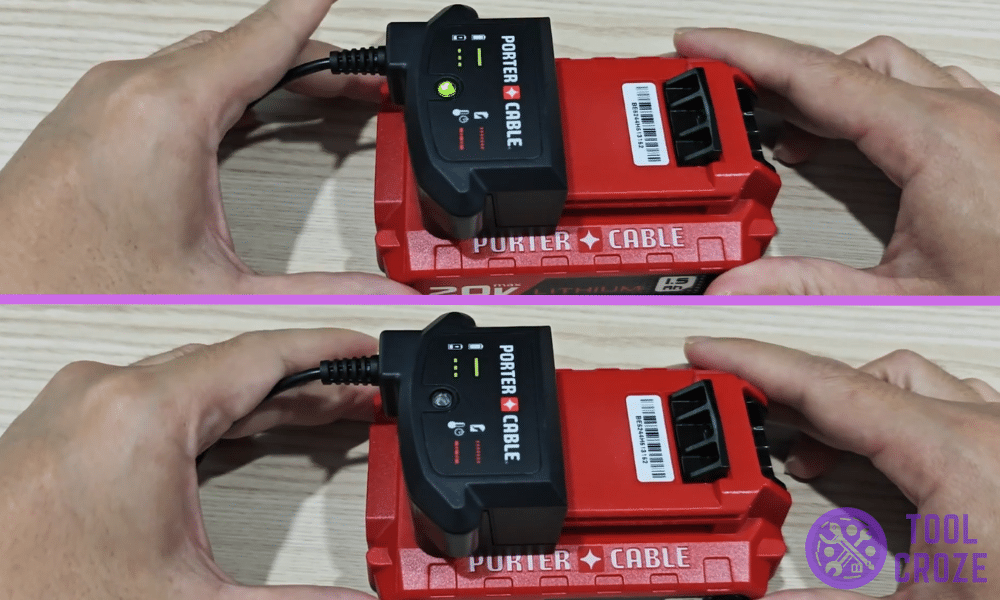
A Porter Cable battery charger shows a solid or blinking green light when charging. A red blinking light indicates a problem or overheating. Check the charger LED; green means charging, red means error or battery issue.
How Do You Reset A Porter Cable Battery?
To reset a Porter Cable battery, remove it from the tool and charger. Let it cool for 30 minutes. Reinsert and charge fully. If blinking red persists, try a different charger or replace the battery.
How Do You Wake Up A Dead Lithium Battery?
To wake up a dead lithium battery, connect it to a charger with a revive function. Apply gentle warmth if needed. Stop if overheating occurs. Never leave it unattended while charging. This method works for over-discharged batteries, not physically damaged or aged cells.
What Does A Blinking Red Light On Porter Cable Charger Mean?
A blinking red light usually signals a battery or charger problem. It may indicate overheating, a bad battery, or voltage issues.
Conclusion
A blinking red light on your Porter Cable charger signals an issue. It may mean the battery is too hot, damaged, or not charging properly. Checking the battery and charger carefully helps find the problem. Sometimes, gently warming or resetting the battery can restore it.
Always watch for signs of damage or overheating. Taking quick action can save your tools and keep them working longer. Understanding these signals helps avoid bigger troubles later. Stay patient and follow safety steps when fixing charger problems.