Is your Honeywell AC’s “Cool On” indicator blinking, leaving you puzzled and uncomfortable in the heat? You’re not alone.
When that little light starts flashing, it’s your thermostat’s way of telling you something isn’t quite right. But before you panic or call for expensive repairs, there are simple reasons behind this blinking and easy steps you can take to fix it.
You’ll discover why your Honeywell AC is blinking “Cool On,” what it means for your system, and how you can troubleshoot it quickly. Keep reading to regain control over your home’s comfort without stress or confusion.
Cool On Light Meaning
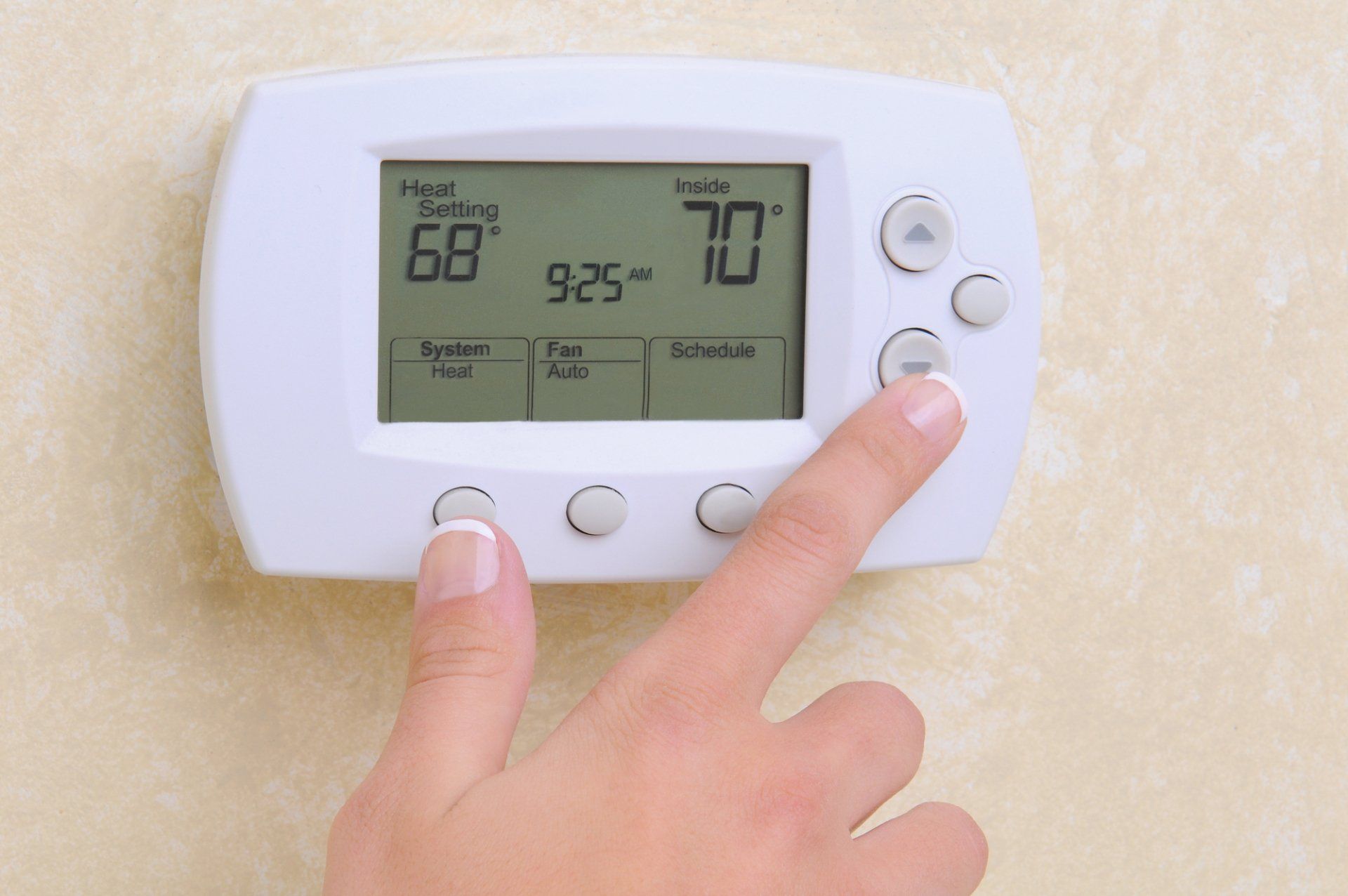
Seeing a blinking light on your Honeywell AC cool indicator can be confusing. This blinking often signals that the system is working through certain conditions. Understanding these common causes helps you know what is happening inside your AC unit. It also guides you on what to expect next or when to call a professional.
Thermostat Delay To Prevent Short Cycling
The thermostat may blink to show a delay before the AC starts. This delay protects the system from short cycling. Short cycling happens when the AC turns on and off too fast. It can harm the compressor and reduce the lifespan of your unit. The delay gives the system time to stabilize before running again.
Power Interruptions Or Cycling
Power issues can cause the blinking light on your Honeywell AC. Small interruptions or cycling in power supply make the thermostat blink. These power changes can come from your home’s electrical system or the AC unit itself. The blinking is a sign the system is trying to reset or adjust to the power flow.
Sensor Or Communication Errors
Sometimes, the blinking means a sensor or communication error exists. The thermostat relies on sensors to read temperature and send commands. If a sensor malfunctions, the thermostat blinks to alert you. Communication errors between thermostat and AC unit also cause blinking. These errors can result from wiring problems or electronic faults.
Common Causes Of Blinking
Preventive maintenance helps keep your Honeywell AC cool and blinking issues away. Small, regular steps extend the life of your system. They also improve efficiency and comfort. Follow these easy tips to avoid common problems.
Regular Filter Cleaning
Dirty filters block airflow and make the AC work harder. Clean the filters every month during heavy use. Remove dust and debris by rinsing or vacuuming gently. This keeps air moving freely and reduces blinking errors.
Scheduled Hvac Inspections
Set up regular check-ups with a professional technician. Inspections find small issues before they grow. The expert will check electrical connections, refrigerant levels, and system parts. This prevents unexpected breakdowns and blinking alerts on your thermostat.
Battery Replacement Routine
Many Honeywell thermostats rely on batteries for smooth operation. Replace batteries at least once a year or when the display dims. Fresh batteries ensure stable signals and stop blinking caused by low power. Keep spare batteries handy for quick changes.
Frequently Asked Questions
Why Does My Ac Keep Blinking Cool On?
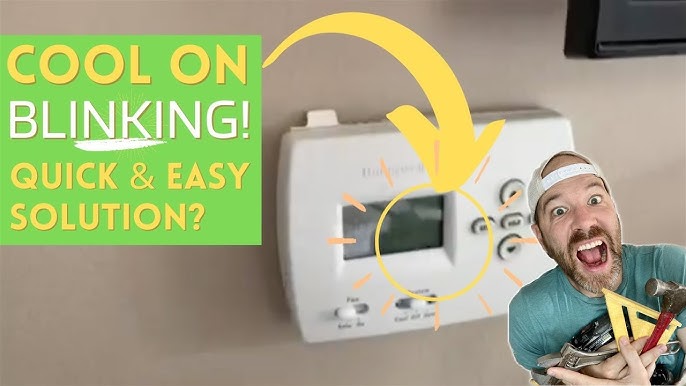
Your AC’s blinking “Cool On” indicates a built-in delay to prevent short cycling. It protects the compressor and ensures proper startup. Check filters, power, and batteries. Persistent blinking may signal frozen coils, low refrigerant, or wiring issues needing professional service.
Why Is The Cool Symbol Flashing On My Thermostat?
The cool symbol flashes on your thermostat to protect the AC from short cycling. It delays startup to prevent system damage. Check filters, power, and batteries if the flashing persists. Persistent blinking may indicate frozen coils, low refrigerant, or wiring issues needing professional help.
Why Is My Honeywell Ac Cool Indicator Blinking?
The blinking cool indicator usually means the thermostat is delaying the AC start. This delay protects the system from short cycling. It is a normal safety feature.
How Long Does The Honeywell Ac Cool Blinking Last?
The blinking delay typically lasts 5 minutes to prevent quick on/off cycles. If it lasts longer, check the system or call a technician. Normal delays are brief.
What Should I Do If The Honeywell Ac Cool Keeps Blinking?
First, check the air filter and power supply to the unit. Replace dirty filters and reset any tripped breakers. If blinking continues, contact a professional.
Conclusion
A blinking “Cool On” light on your Honeywell AC usually means a short delay. This delay protects your system from turning on and off too fast. Check filters, power, and batteries first to fix common issues. If blinking continues, a frozen coil, low refrigerant, or wiring problem might be the cause.
Calling a professional can help with complex repairs. Stay calm and follow simple steps to keep your AC running smoothly. Understanding these signals helps you avoid bigger problems later.