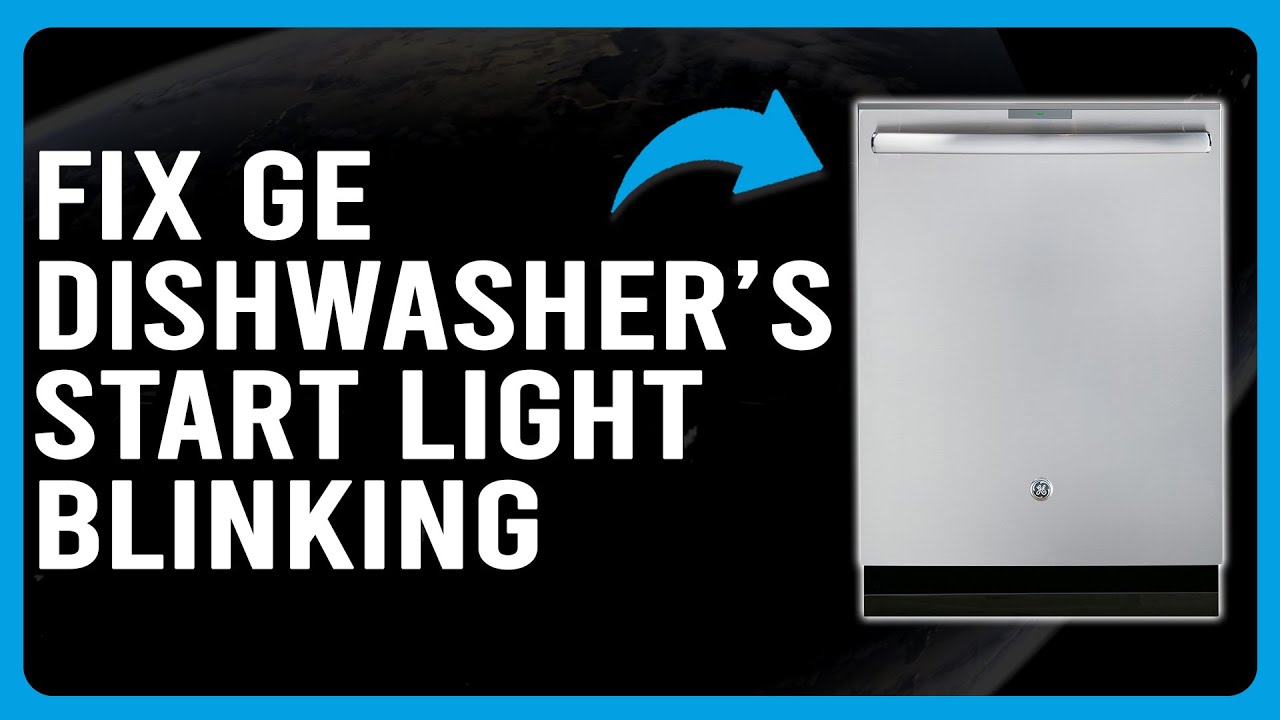
Is your GE dishwasher’s start light blinking and refusing to kick into gear? You’re not alone, and it’s more common than you might think.
That blinking light is your dishwasher’s way of telling you something is off—whether it’s a simple door latch issue or a more complex electrical glitch. But before you let those dirty dishes pile up, there are easy steps you can take to fix the problem yourself.
You’ll discover why your GE dishwasher start light blinks, what it means, and how to troubleshoot it quickly. Keep reading, and you’ll have your dishwasher running smoothly again in no time!
Start Light Blinking Reasons
The blinking start light on a GE dishwasher signals an issue that stops the cycle. It warns users that the dishwasher cannot begin or continue washing dishes. Understanding the reasons behind the blinking light helps in quick troubleshooting. The problem can be simple or require professional repair. Identifying the cause is the first step to fix the dishwasher.
Door Latch Problems
The dishwasher door must close tightly for the cycle to start. A faulty or loose door latch can cause the start light to blink. The machine senses if the door is open and will not run. Check if the latch clicks firmly when closing. Replace the latch if it is broken or worn out.
Cycle Interruptions
Power interruptions or sudden stops can make the start light blink. The dishwasher may have lost connection during a wash cycle. Sometimes, pressing the start button again resets the cycle. If the problem repeats, try a full power reset by turning off the breaker for a minute.
Faulty Control Board
The control board manages the dishwasher’s functions. A damaged or malfunctioning control board can cause blinking lights. It may fail to send signals to start the cycle. Inspect the control board for signs of damage or burn marks. Replacing the control board often solves the problem.
Sensor Malfunctions
Sensors monitor water level, temperature, and door status. If a sensor fails, the dishwasher may not start and blink the start light. Common faulty sensors include the water level sensor and door sensor. Cleaning or replacing the sensor can fix the blinking light issue.
Basic Troubleshooting Steps
When the start light on your GE dishwasher blinks, it signals a problem. Basic troubleshooting helps find the cause fast. Follow simple steps to fix common issues. These steps save time and avoid costly repairs.
Start by checking the dishwasher’s door, power supply, and error codes. Resetting the dishwasher can clear minor faults. Each step is easy and requires no special tools.
Check Door Closure
The dishwasher won’t start if the door is not closed properly. Press the door firmly until you hear a click. Look for any items blocking the door. Clean the latch and hinges to ensure smooth closing. A securely closed door helps the dishwasher run safely.
Inspect Power Supply
Check if the dishwasher is receiving power. Look at the plug and outlet for damage. Test the outlet by plugging in another device. Inspect the circuit breaker to see if it tripped. Restore power by resetting the breaker if needed. No power means the dishwasher can’t start.
Reset The Dishwasher
Resetting the dishwasher clears minor software glitches. Turn off the dishwasher using the control panel or power switch. Wait for about one minute before turning it back on. For hard reset, flip the breaker off and on. After reset, try starting the dishwasher again.
Examine Error Codes
GE dishwashers show error codes to explain problems. Check the control panel for blinking lights or numbers. Use the user manual to decode the error message. Common codes point to water, drainage, or heating issues. Knowing the error helps fix the problem faster.
Performing A Hard Reset
Performing a hard reset is a simple way to fix your GE dishwasher’s blinking start light. This process clears minor electronic glitches. It restores normal function without the need for tools or repairs. Follow these steps carefully to reset your dishwasher safely and effectively.
Locate Circuit Breaker
Find your home’s electrical panel. Look for the breaker labeled for the dishwasher. It controls the power supply to your appliance. Knowing its location makes the reset quick and safe.
Turn Off And On Power
Flip the dishwasher breaker to the “Off” position. Wait about 30 seconds to let the power fully drain. Flip the breaker back to the “On” position. This restart can clear the blinking light issue.
Use Reset Button
Remove the dishwasher’s lower kick plate. Locate the small reset or test button inside. Press and hold it for 3 to 5 seconds. Release the button and wait for the dishwasher to respond.
Test After Reset
Close the dishwasher door securely. Select a short wash cycle. Press start and watch for the blinking light. If it stops blinking, the reset worked. If not, further troubleshooting may be needed.
Common Component Issues
When the start light on a GE dishwasher blinks, it often signals a problem inside. Several components could cause this issue. Understanding these common faults helps to identify and fix the problem quickly. This section explains the main parts that might fail and trigger the blinking light.
Door Latch And Switch
The door latch keeps the dishwasher closed during a cycle. If the latch is loose or broken, the machine may think the door is open. The switch works with the latch to tell the dishwasher when it is safe to start. A faulty latch or switch causes the start light to blink and stops the cycle from beginning.
Heating Element Problems
The heating element warms the water inside the dishwasher. It helps clean dishes and dry them afterward. If the heating element fails, the dishwasher may stop working properly. A broken or burnt-out element can cause the start light to blink as a warning signal.
Control Board Failures
The control board is the brain of the dishwasher. It manages all the functions and timing. Damage or faults in the control board can confuse the dishwasher. This often causes blinking lights and prevents the machine from starting. A reset or replacement may be needed if the board is faulty.
Wire Connector Damage
Wire connectors link all parts inside the dishwasher. They carry power and signals to different components. Loose, corroded, or broken connectors cause interruptions. This can make the start light blink and stop the dishwasher from running. Checking and fixing wires often solves the problem.
Advanced Fixes
Advanced fixes for a GE dishwasher with a blinking start light require careful checks. These solutions involve more than simple resets and need basic tools. Understanding these steps can help you resolve the issue effectively and safely.
Replacing Faulty Parts
Identify parts that may cause blinking lights, such as the door latch or control board. Purchase exact replacement parts designed for your GE dishwasher model. Disconnect power before starting any repair work. Remove the faulty part carefully and install the new one. Test the dishwasher to confirm the problem is fixed.
Testing Electrical Connections
Loose or damaged wires often cause blinking start lights. Use a multimeter to check continuity in wires and connectors. Inspect the wiring harness for signs of wear or corrosion. Secure any loose connections and replace damaged wires. Proper electrical flow ensures the dishwasher operates correctly.
Consulting User Manual
The user manual provides specific error codes and solutions for blinking lights. Find the section that explains indicator lights and their meanings. Follow the recommended troubleshooting steps from the manufacturer. Keep the manual handy for future reference and maintenance tips.
When To Call A Technician
Call a professional if the blinking light persists after all fixes. Complex electrical issues or control board faults need expert tools and skills. Avoid risks by hiring a technician for repairs beyond your comfort level. Timely professional help prevents further damage and costly repairs.

Preventive Maintenance Tips
Preventive maintenance helps keep your GE dishwasher running smoothly. Simple care steps reduce errors like the start light blinking. These tips save time and avoid costly repairs. Follow these easy routines to extend your dishwasher’s life and ensure it cleans well every time.
Regular Cleaning
Clean the dishwasher’s filter and spray arms often. Food particles can block water flow and cause errors. Wipe down the door edges to remove dirt and residue. This prevents buildup that can affect sensors and seals. A clean dishwasher works better and avoids blinking lights.
Avoid Overloading
Do not overload the dishwasher with too many dishes. Crowding blocks water and soap from reaching all surfaces. Plates and utensils need space to move freely. Overloading causes poor cleaning and can trigger error lights. Load dishes according to the manufacturer’s guidelines for best results.
Check Seals And Gaskets
Inspect door seals and gaskets regularly for cracks or wear. Damaged seals let water leak or air enter, causing errors. Clean seals with a damp cloth to remove grime and keep them flexible. Replace any worn parts to maintain a proper seal. Good seals prevent blinking lights and leaks.
Routine Inspections
Look over your dishwasher every few months for any issues. Check hoses, connections, and the control panel for damage. Listen for unusual noises that may signal a problem. Early detection helps fix small issues before they cause blinking lights. Routine checks keep your dishwasher in top condition.
Frequently Asked Questions
Why Is My Dishwasher Blinking And Won’t Start?
A blinking dishwasher light usually signals a door latch issue, stalled cycle, or faulty sensor. Ensure the door is fully closed. Try resetting the power by turning off the breaker, then on. Persistent blinking may indicate a defective control board or wiring problem.
How To Do A Hard Reset On Ge Dishwasher?
To hard reset a GE dishwasher, turn off its circuit breaker for 1 minute. Turn it back on, then run a short cycle to test. This resets the control board and clears minor errors.
What Does The Blinking Start Button On A Dishwasher Mean?
A blinking start button on a dishwasher signals a stalled cycle, door latch issue, or a faulty sensor. Check the door is fully closed. Resetting the dishwasher or inspecting wiring can fix the problem.
Why Is My Ge Dishwasher Not Starting Yellow Light Flashing?
A flashing yellow light on your GE dishwasher usually signals a door latch issue, faulty control board, or bad wire connection. Ensure the door is fully closed. Reset the dishwasher by turning off power, then on. Check for damaged parts if the problem persists.
Why Is My Ge Dishwasher Start Light Blinking?
A blinking start light means the dishwasher is paused or has an error. It can indicate a door latch issue or a delayed start setting. Checking these can help identify the problem.
Conclusion
A blinking start light on your GE dishwasher signals a problem. Common causes include stalled cycles or sensor errors. Try resetting the dishwasher by turning off the breaker or pressing the reset button. Always check the door latch and water supply before running a cycle.
Regular maintenance helps prevent these issues. If blinking continues, contacting a professional may be necessary. Understanding these steps saves time and avoids frustration. Keep your dishwasher running smoothly with simple troubleshooting.