Is your Firestick remote blinking orange and leaving you frustrated? You’re not alone, and the good news is that this blinking light is a signal you can fix.
Whether your remote won’t connect or just won’t respond, understanding what that orange light means is the first step to getting your streaming back on track. Keep reading, and you’ll learn simple, effective ways to stop the blinking and make your remote work like new again.
Don’t let a blinking light ruin your movie night—let’s solve this together.

Why The Firestick Remote Blinks Orange
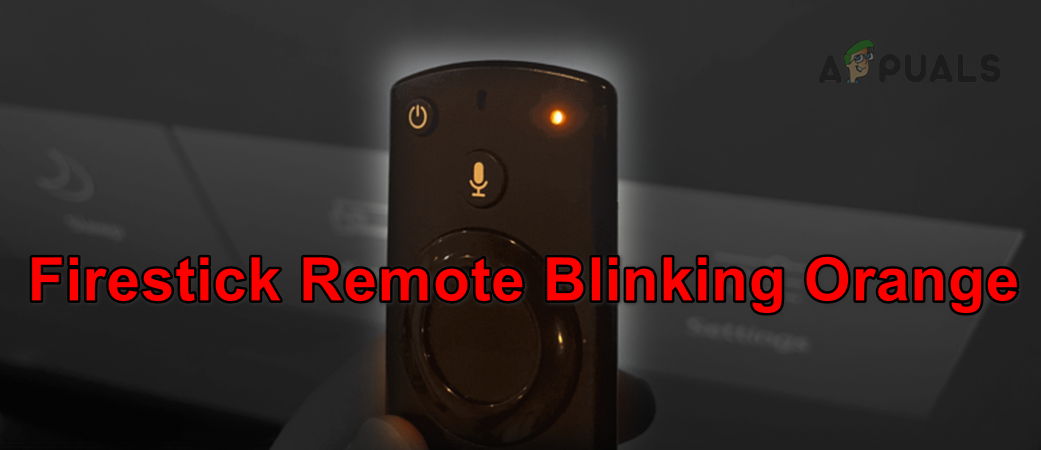
The Firestick remote blinking orange can confuse many users. This light signals an issue that needs attention. Understanding why the remote blinks orange helps fix the problem quickly. Several reasons cause this blinking. These include battery issues, pairing problems, and hardware malfunctions. Each reason needs a different approach to solve.
Battery Issues
Low or dead batteries often cause the orange light to blink. The remote may not have enough power to work properly. Replace old batteries with fresh ones. Use the right type of batteries for the remote. Check if the battery contacts are clean and not damaged. This can stop the blinking and restore normal function.
Pairing Problems
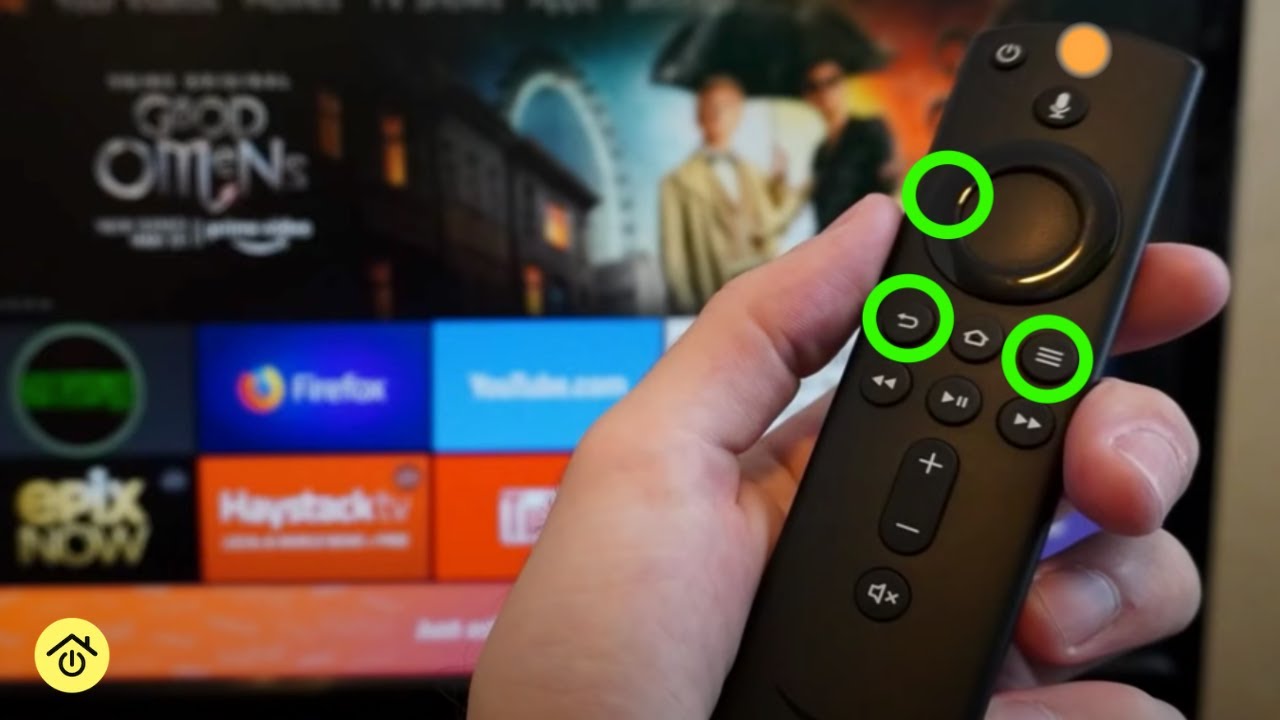
The remote needs to connect to the Firestick device. If it loses connection, the orange light blinks. This means the remote is not paired correctly. Try re-pairing the remote by holding the Home button for several seconds. Make sure the Firestick is powered on and nearby. Re-pairing often fixes the blinking light issue.
Hardware Malfunctions
Sometimes, the remote’s hardware has a fault. This can cause the blinking orange light to appear. Physical damage or internal defects might be the cause. Test the remote with another Firestick device if possible. If the blinking continues, the remote may need repair or replacement. Contact support for help with hardware problems.
Easy Battery Solutions
The Firestick remote blinking orange often signals a battery issue. Easy battery solutions can fix this quickly. Check the battery power and connections first. These simple steps save time and bring your remote back to life.
Replacing Batteries
Remove the back cover of the remote carefully. Take out the old batteries and dispose of them properly. Insert new batteries, matching the correct polarity. Use fresh, high-quality batteries for best results. Close the cover and test the remote immediately.
Checking Battery Contacts
Battery contacts can get dirty or bent. Inspect them for any dust, dirt, or corrosion. Clean contacts gently with a dry cloth or cotton swab. If contacts are bent, straighten them carefully with a small tool. Good contact ensures proper power flow to the remote.
Fixing Pairing Issues
Fixing pairing issues with your Firestick remote can restore smooth control over your device. A blinking orange light usually means the remote is not connected properly. This problem can stop you from navigating your Firestick.
Two main methods can solve this issue: re-pairing the remote and resetting the Firestick. Both steps are simple and effective. Follow them carefully for quick results.
Re-pairing The Remote
Start by turning off your Firestick device. Wait for a few seconds and then turn it back on. Hold the Home button on your remote for about 10 seconds. The blinking orange light should stop, showing the remote is paired.
If pairing fails, remove the remote’s batteries. Wait for 30 seconds, then put the batteries back. Try pairing again by holding the Home button. This step often fixes connection problems quickly.
Resetting The Firestick
Resetting the Firestick can clear deeper problems. Locate the reset button on the Firestick device. Press and hold it for about 10 seconds or until the device restarts. This action resets all settings, including remote connections.
After reset, repeat the pairing process with the remote. This method usually fixes persistent blinking orange light issues. Keep your Firestick connected to a power source during reset to avoid interruptions.
Troubleshooting Hardware Problems
Hardware problems can cause your Firestick remote to blink orange. This blinking often signals an issue with the remote’s connection or power. Troubleshooting these hardware problems helps restore proper function quickly. Check the remote carefully for any signs of damage or wear. Small problems can often be fixed without replacing the remote.
Inspecting The Remote For Damage
Start by examining the remote’s surface. Look for cracks, dents, or broken buttons. Check if any buttons stick or do not press properly. Also, inspect the battery compartment for corrosion or loose contacts. Damaged parts can stop the remote from working correctly. Clean the battery contacts gently using a dry cloth. Replace the batteries with new ones to test power issues. Test the remote after cleaning and battery replacement to see if blinking stops.
When To Replace The Remote
Replace the remote if damage is severe or repairs fail. Persistent blinking after troubleshooting suggests a faulty remote. If buttons remain unresponsive or the remote does not pair with the Firestick, it is time to get a new one. Buying a new remote ensures better compatibility and performance. Use official or certified remotes for the best results.
Preventing Future Blinking Problems
Preventing future blinking problems with your Firestick remote helps keep it working well. Small habits and care can stop the orange light from blinking. This saves time and avoids frustration during use.
Taking simple steps ensures the remote stays responsive and reliable. It also extends the remote’s life. Focus on handling and cleaning to reduce blinking issues.
Proper Remote Handling
Hold the remote gently and avoid dropping it. Rough use can damage internal parts and cause blinking. Keep the remote away from water and extreme heat. Moisture and heat harm the remote’s electronics. Use the remote on flat surfaces to prevent damage. Do not press buttons too hard. Pressing softly keeps buttons from sticking or breaking.
Regular Maintenance Tips
Clean the remote regularly to remove dust and dirt. Use a soft, dry cloth for cleaning. Avoid using wet or harsh cleaners. Replace batteries before they run out completely. Weak batteries cause blinking lights. Check the battery compartment for corrosion. Clean it if needed with a dry cloth. Store the remote in a safe place when not in use.
Frequently Asked Questions
Why Is My Firestick Remote Blinking Orange?
A blinking orange light usually means the remote is in pairing mode. It tries to connect with your Firestick device.
How Do I Stop Firestick Remote Blinking Orange?
Press and hold the Home button for 10 seconds to pair the remote. This often stops the blinking.
Can Low Battery Cause Firestick Remote To Blink Orange?
Yes, low batteries can make the remote blink orange. Replace the batteries with new ones to fix it.
What If Firestick Remote Keeps Blinking Orange After Pairing?
Try restarting your Firestick and remote. If blinking continues, reset the remote by removing batteries and reinserting them.
Does Blinking Orange Light Mean Remote Is Broken?
Not always. Blinking orange often shows a pairing or battery issue. Test with new batteries before replacing the remote.
Conclusion
A blinking orange light on your Firestick remote shows it needs attention. Check the batteries first and replace them if low. Try resetting the remote by holding the buttons for a few seconds. Make sure the Firestick device is nearby and paired correctly.
These steps usually solve the blinking issue quickly. Keep your remote working well by taking care of it regularly. Staying calm and following simple fixes saves time and frustration. Enjoy smooth streaming without interruptions.