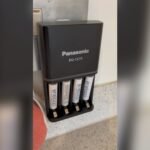
If you’ve ever noticed your Eneloop charger blinking green and wondered what it means, you’re not alone. That blinking light isn’t just a random signal—it’s your charger trying to tell you something important about your batteries.
Whether you’re charging brand-new Eneloops or ones you’ve used for a while, a blinking green light can be confusing and even worrying. But don’t panic. Understanding why this happens can save you time, protect your batteries, and help you get the most out of your charger.
Keep reading, and you’ll learn exactly what causes that blinking green light and how you can fix it quickly.
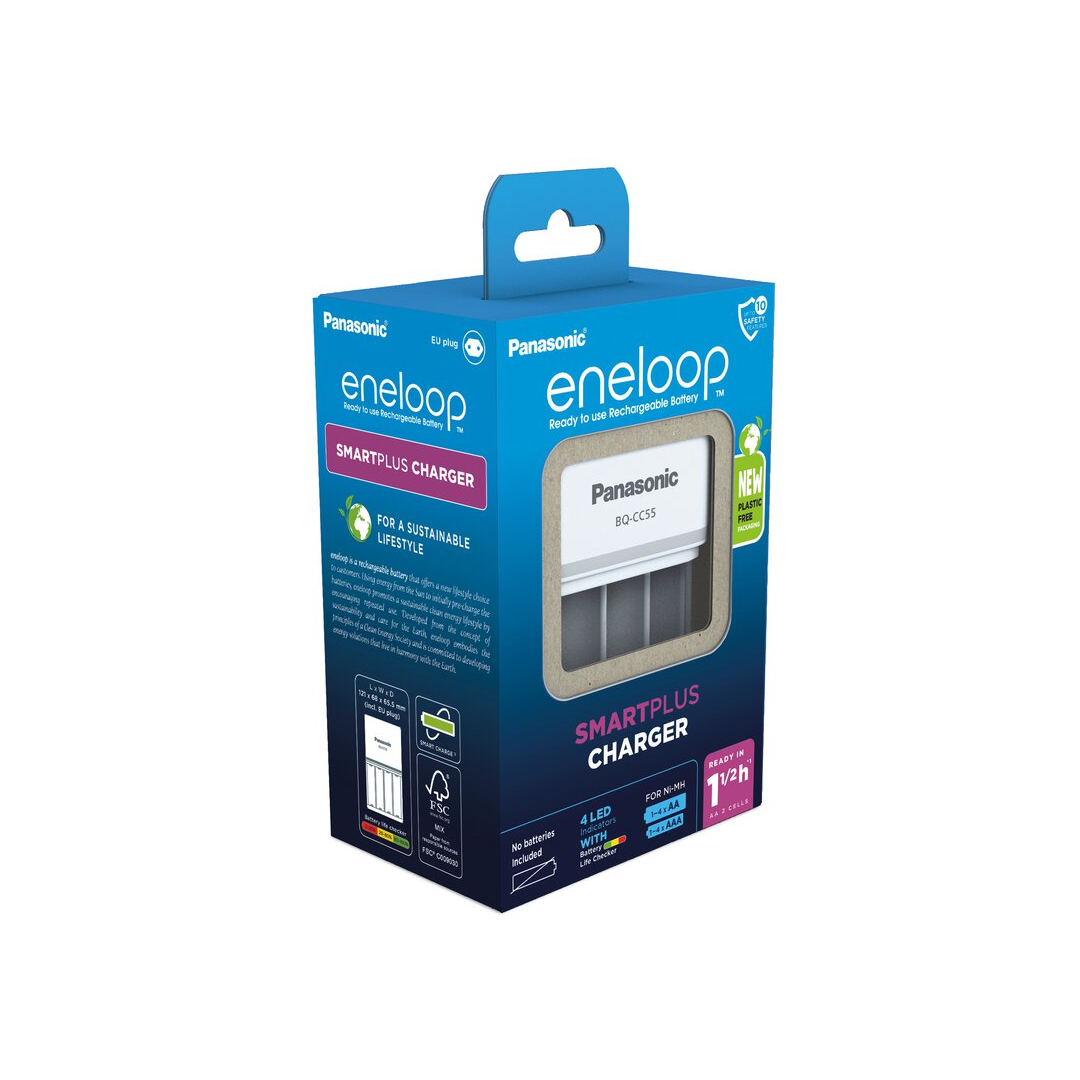
Blinking Green Light Meaning
The blinking green light on an Eneloop charger signals important information about the battery and charging process. It helps users understand the current status and alerts about any issues. Knowing what this blinking means can prevent damage and improve battery life.
This section explains the blinking green light meaning in simple terms. It covers common causes and what actions to take. Understanding these signals makes charging safer and more efficient.
Battery Too Hot
A blinking green light often means the battery is too hot to charge. Heat can damage rechargeable batteries if charging continues. The charger stops charging and blinks green to warn users. It will start charging again once the battery cools down to a safe temperature.
Hot batteries may happen after heavy use or charging in a warm place. Let the batteries rest in a cool area before charging. Avoid charging immediately after using the batteries in devices.
Charging Status Indicators
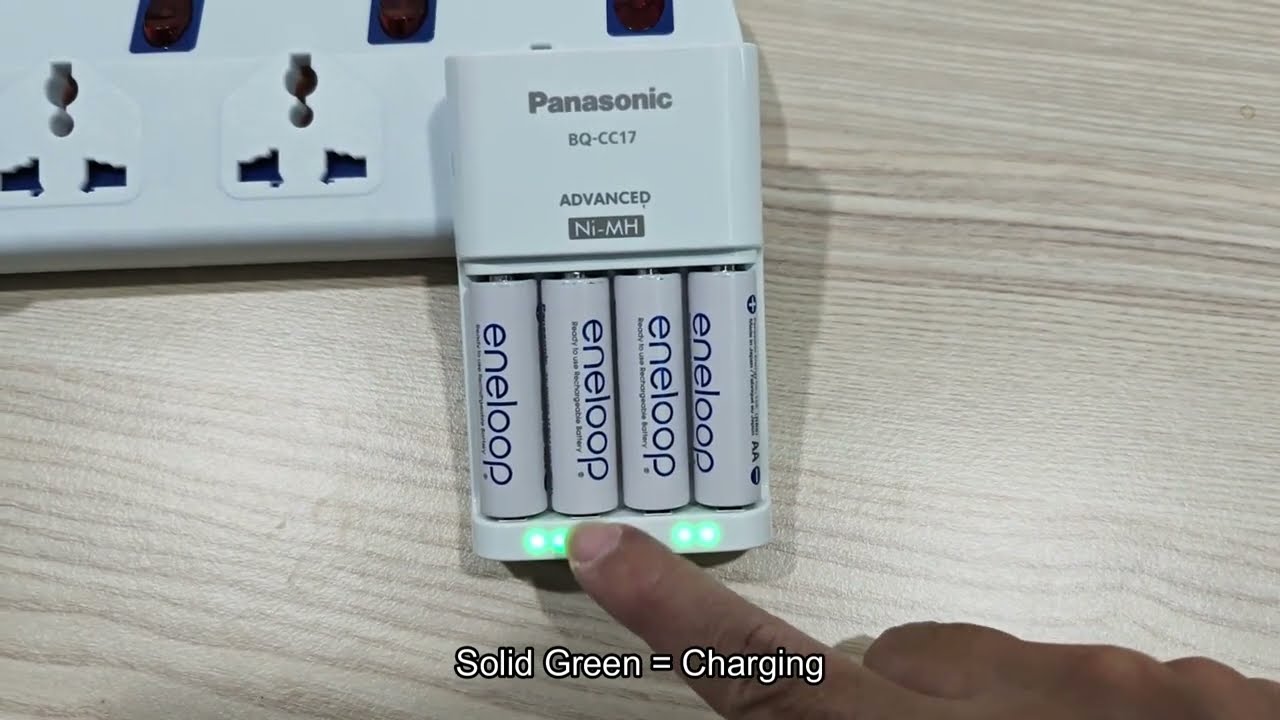
The Eneloop charger uses different light signals to show charging status. A steady green light means the battery is charging normally. When the light turns off, it means charging is complete. Blinking green warns about temperature or connection issues.
These clear signals help users know what is happening without guessing. They ensure batteries are charged safely and correctly. Watching the lights can prevent overcharging and damage.
Common Light Patterns
Blinking green is one of several patterns to watch for on an Eneloop charger. Common patterns include:
- Steady green light: Battery is charging.
- Green light off: Charging complete.
- Blinking green light: Battery too hot or connection issue.
Other causes of blinking green include dirty contacts or improper battery placement. Cleaning battery and charger terminals may stop the blinking. Ensure batteries are inserted with correct polarity as marked.
Common Causes
The Eneloop charger blinking green light can be confusing. Basic troubleshooting helps you fix common issues fast. Follow simple steps to understand why the light blinks. These easy checks often solve the problem without extra tools or help.
Remove And Reinsert Batteries
Unplug the charger before touching the batteries. Take out all batteries carefully. Check for correct orientation of the + and – ends. Reinsert the batteries firmly into the slots. Make sure they sit properly. Plug the charger back in and watch the light.
Clean Battery And Charger Contacts
Dirty or oxidized contacts can cause blinking lights. Use a dry cloth or pencil eraser. Gently clean battery terminals and charger contacts. Remove any dust or residue carefully. Clean contacts improve the connection and charging process. After cleaning, reinsert batteries and check the light again.
Check Battery Temperature
Overheating causes the charger’s green light to blink. Remove batteries and feel if they are hot. Let them cool to room temperature before charging again. Charging hot batteries can damage them or the charger. Also, avoid charging in very cold places. Proper temperature helps safe and efficient charging.
Basic Troubleshooting
Advanced fixes help solve persistent blinking green light issues with the Eneloop charger. These methods go beyond basic checks and target deeper problems. They require extra steps but often restore normal charger function.
Test With Different Batteries
Try charging another set of batteries to isolate the issue. Use fresh, fully functional batteries from a trusted brand. If the green light stops blinking, the original batteries may be faulty. This test confirms if the charger or batteries cause the problem.
Try Another Charger
Use a different charger compatible with Eneloop batteries. If the blinking green light disappears with the new charger, the original charger may be defective. Testing with another charger helps narrow down the source of the issue.
Reset Charger If Possible
Some Eneloop chargers have a reset function to clear errors. Unplug the charger and remove all batteries. Press and hold the reset button if available, then reconnect power. This can fix minor electronic glitches causing the blinking green light.

Advanced Fixes
Preventing the Eneloop charger from blinking green saves time and protects battery life. Simple steps help keep charging smooth and efficient. Follow these preventive tips to avoid common issues.
Proper Battery Storage
Store batteries in a cool, dry place. Avoid extreme heat or cold, which damages cells. Keep batteries away from metal objects to prevent short circuits. Use battery cases for safe storage and to maintain charge.
Avoid Overcharging
Do not leave batteries on the charger too long. Overcharging reduces battery lifespan. Use a smart charger with automatic shut-off features. Check batteries regularly and remove them once fully charged.
Maintain Clean Contacts
Clean battery and charger contacts often. Use a dry cloth or an eraser for dirt and oxidation. Dirty contacts cause blinking green lights and charging errors. Ensure good contact for stable charging and longer battery life.
Frequently Asked Questions
Why Is The Green Light Blinking On My Battery Charger?
The green light blinks when the battery is too hot, improperly placed, or has dirty contacts. Cooling or repositioning helps.
What Do The Lights On The Eneloop Battery Charger Mean?
A solid green light means the battery is charging. A blinking green light indicates temperature issues or poor contact. Lights off show the battery is fully charged. Clean contacts, check battery placement, and cool batteries if blinking persists. Replace batteries if the light keeps blinking.
Can You Overcharge Eneloop Batteries?
Yes, you can overcharge Eneloop batteries using a basic charger that lacks auto shut-off. Smart chargers prevent this by stopping charge once full. Overcharging reduces battery life and may cause overheating. Always use a charger designed for NiMH rechargeable batteries like Eneloops.
Do Eneloop Batteries Go Bad?
Eneloop batteries slowly lose capacity over years but rarely go bad quickly. Proper use and storage extend their life significantly.
Why Is My Eneloop Charger Blinking Green Light?
A blinking green light means the charger detects a problem. It could be dirty contacts, wrong battery placement, or temperature issues.
Conclusion
The blinking green light on your Eneloop charger signals a charging issue. Check the battery placement and clean the contacts carefully. Let batteries cool if they feel hot before charging again. Persistent blinking often means the battery cannot hold a charge anymore.
Replace old or faulty batteries for best results. Regular care helps keep your charger and batteries working well. Understanding these simple steps saves time and avoids frustration. Keep your Eneloop charger running smoothly with proper handling.