Have you noticed a blinking light on your Chamberlain LiftMaster garage door opener and wondered what it means? That little flashing light isn’t just a random signal—it’s trying to tell you something important about your opener’s status.
Understanding these blinking patterns can save you time, prevent costly repairs, and keep your garage secure. You’ll discover exactly what those blinking lights mean and what steps you can take to fix any issues quickly. Keep reading to take control of your LiftMaster and avoid unexpected problems.
Common Causes Of Blinking Light
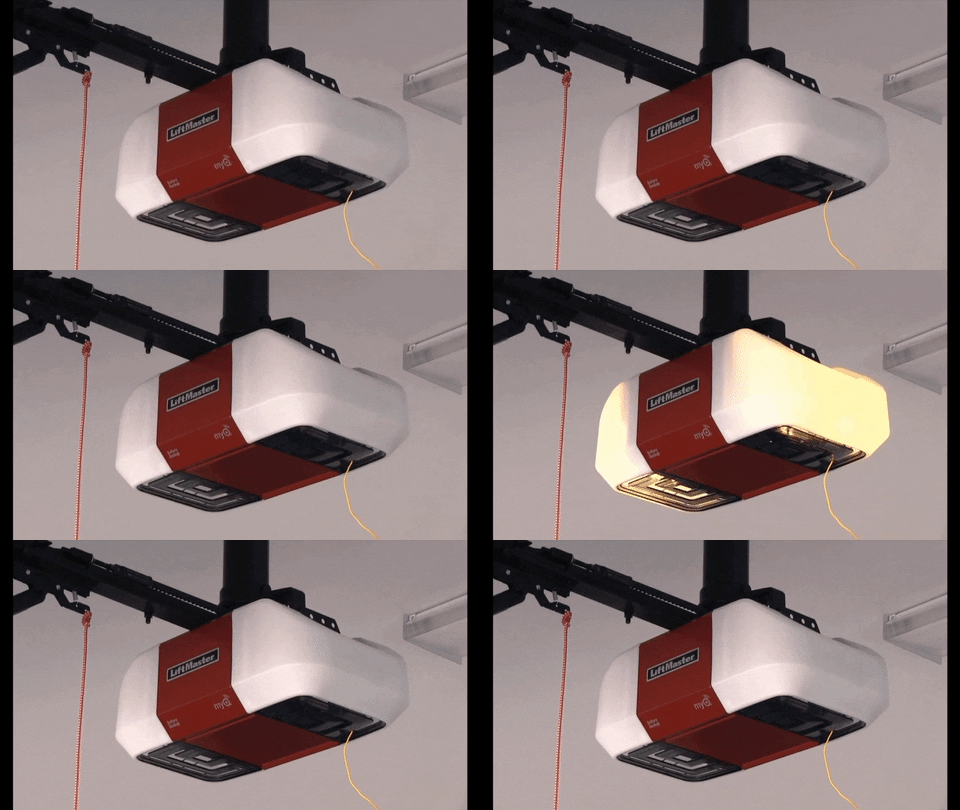
The blinking light on a Chamberlain LiftMaster garage door opener signals a problem. It acts as a warning to check the device. Understanding the common causes helps fix the issue faster. Below are some frequent reasons for the blinking light.
Power Supply Issues
Power problems often cause the blinking light. Loose plugs or power outages may disrupt the opener. Check if the outlet works and if the power cord is secure. Sometimes, a tripped circuit breaker affects the power supply.
Remote Control Problems
The remote control might cause the blinking light. Dead or weak batteries in the remote often lead to signal failure. Try replacing the batteries or reprogramming the remote. Interference from other devices can also block the signal.
Safety Sensor Obstructions
Safety sensors prevent the door from closing on objects. Dirt, spider webs, or misalignment can block the sensors. The blinking light may flash to warn about sensor trouble. Clean and realign the sensors for proper function.
Wiring And Connection Faults
Loose or damaged wires can cause blinking lights. Check all wiring connections between the opener and sensors. Worn or frayed wires may need replacement. Secure connections help maintain steady signals.
Control Board Errors
The control board manages the garage door opener’s functions. Faulty control boards trigger blinking warnings. Power surges or age may damage the board. Sometimes, a reset or replacement is needed to fix errors.
How To Diagnose The Problem
Facing a blinking light on your Chamberlain Liftmaster can be confusing. The blinking often signals a problem that needs fixing. Diagnosing the issue early saves time and prevents bigger troubles. Follow these simple steps to find the root cause of the blinking light.
Checking The Power Source
First, ensure the garage door opener is plugged in properly. Look for loose plugs or damaged cords. Test the outlet by plugging in another device. A faulty power source can cause the blinking light. Fix any power issues before moving forward.
Testing The Remote Control
Next, check the remote control’s battery. Replace old batteries with new ones. Make sure the remote is within range of the opener. Press the buttons and watch for a response. A weak remote signal can trigger the blinking light.
Inspecting Safety Sensors
Safety sensors stop the door from closing on objects or people. Clean the lenses gently with a soft cloth. Check if sensors face each other without obstructions. Sensor misalignment or dirt often causes blinking lights. Adjust or clean sensors to fix the problem.
Examining Wiring And Connections
Look at all wires connected to the opener. Search for frayed wires or loose connections. Secure any loose wires firmly in place. Damaged wiring can cause errors and blinking lights. Repair or replace faulty wires as needed.
Resetting The Control Panel
Sometimes, the control panel needs a reset. Unplug the opener for 30 seconds. Plug it back in and observe the light pattern. Resetting clears minor errors and may stop the blinking. Repeat the process if the light continues to blink.
Quick Fixes To Try
The Chamberlain Liftmaster blinking light can signal various issues. Trying quick fixes can save time and avoid service calls. These simple steps often fix common problems fast. Follow these easy methods to get your garage door opener working again.
Rebooting The Garage Door Opener
Unplug the garage door opener from power. Wait about 30 seconds before plugging it back in. This resets the system and clears minor errors. Watch the light after reboot to see if it stops blinking.
Cleaning Safety Sensors
Check the safety sensors near the door track. Wipe the sensors gently with a clean cloth. Remove dust or dirt blocking the sensor’s path. Clear sensors help the opener work correctly and stop blinking lights.
Replacing Remote Batteries
Open the remote control and remove old batteries. Use fresh batteries with the same type and size. Weak batteries can cause signal issues and blinking lights. Test the remote after replacing batteries to check function.
Repairing Or Replacing Wiring
Inspect wires connected to the opener and sensors. Look for loose connections, damage, or frayed wires. Secure loose wires or replace damaged ones carefully. Proper wiring ensures signals reach the opener without problems.
Resetting To Factory Settings
Locate the reset button on the opener unit. Press and hold it for about 10 seconds. This restores original factory settings and clears errors. Reprogram remotes and settings after the reset to restore operation.
When To Call A Professional
The Chamberlain Liftmaster blinking light can signal various issues. Some problems you can fix alone. Others need expert help. Knowing when to call a professional saves time and prevents damage. Professionals have the tools and skills to fix complex problems safely.
Persistent Blinking Issues
Sometimes, the blinking light never stops. This may mean a deeper problem exists. Repeated attempts to fix it might cause more harm. A professional can diagnose why the light keeps blinking. They find the root cause quickly.
Complex Electrical Problems
Electrical issues in garage door openers can be risky. Faulty wiring or shorts need careful handling. Mistakes can cause shocks or fires. Experts know how to safely repair electrical faults. They follow all safety rules and use proper equipment.
Control Board Replacement
The control board controls many parts of the opener. If it fails, the blinking light often appears. Replacing the control board is tricky. It requires technical knowledge and correct parts. A professional ensures the replacement is done right. This prevents further damage.
Sensor Alignment Challenges
The sensors must face each other perfectly. Misaligned sensors cause the blinking light to flash. Aligning sensors can be hard without experience. Professionals adjust sensors with exact precision. This helps your garage door work smoothly and safely.
Preventive Maintenance Tips
Maintaining your Chamberlain Liftmaster blinking light ensures your garage door works safely and smoothly. Simple steps help prevent problems and extend the device’s life. Regular care keeps the system reliable and avoids costly repairs.
Regular Sensor Cleaning
Clean the sensors gently with a soft cloth. Dust and dirt block the sensor’s view and cause the light to blink. Wipe both sensors on each side of the door. Do this every few months to keep the sensors clear.
Routine System Testing
Test the garage door system once a month. Press the remote button and watch the door’s response. Check if the light blinks or the door stops moving. Early testing helps catch small issues before they grow.
Battery Replacement Schedule
Replace the remote control batteries every year. Weak batteries cause the blinking light and poor signal. Use fresh batteries to keep the remote working well. Mark the date on a calendar to remember the change.
Ensuring Proper Wiring
Inspect the wires connected to the sensors and motor. Look for loose or damaged wires that cause blinking. Tighten or replace any faulty wiring. Good wiring ensures steady power and signal flow.
Software Updates
Check for updates to your Liftmaster system software. Updated software fixes bugs that may cause blinking lights. Visit the official site or use the app to update. Keep the system current for best performance.
Frequently Asked Questions
What Does The Blinking Light On Chamberlain Liftmaster Mean?
The blinking light shows the garage door opener’s status. It can signal errors or normal operation.
Why Is My Liftmaster Light Blinking Fast?
A fast blinking light often means a safety sensor issue. Check if sensors are aligned and clean.
How Do I Fix The Blinking Light On Liftmaster?
Try resetting the opener by unplugging it for 30 seconds. Check sensors and wiring for problems.
Can Blinking Lights Indicate A Remote Control Problem?
Yes, blinking lights can signal remote or keypad issues. Replace batteries or reprogram the remote.
How Long Should The Liftmaster Light Blink During Operation?
The light blinks steadily while the door moves. It stops blinking once the door is fully open or closed.
Conclusion
The Chamberlain Liftmaster blinking light signals important garage door status. It helps you know when the door is moving or if there is a problem. Paying attention to the light can keep your garage safe. Simple steps can fix most blinking issues quickly.
Keep your system clean and check the sensors often. This small light saves time and prevents bigger trouble. Stay aware, and your garage door will work smoothly every day.